
One photo.
Every world.
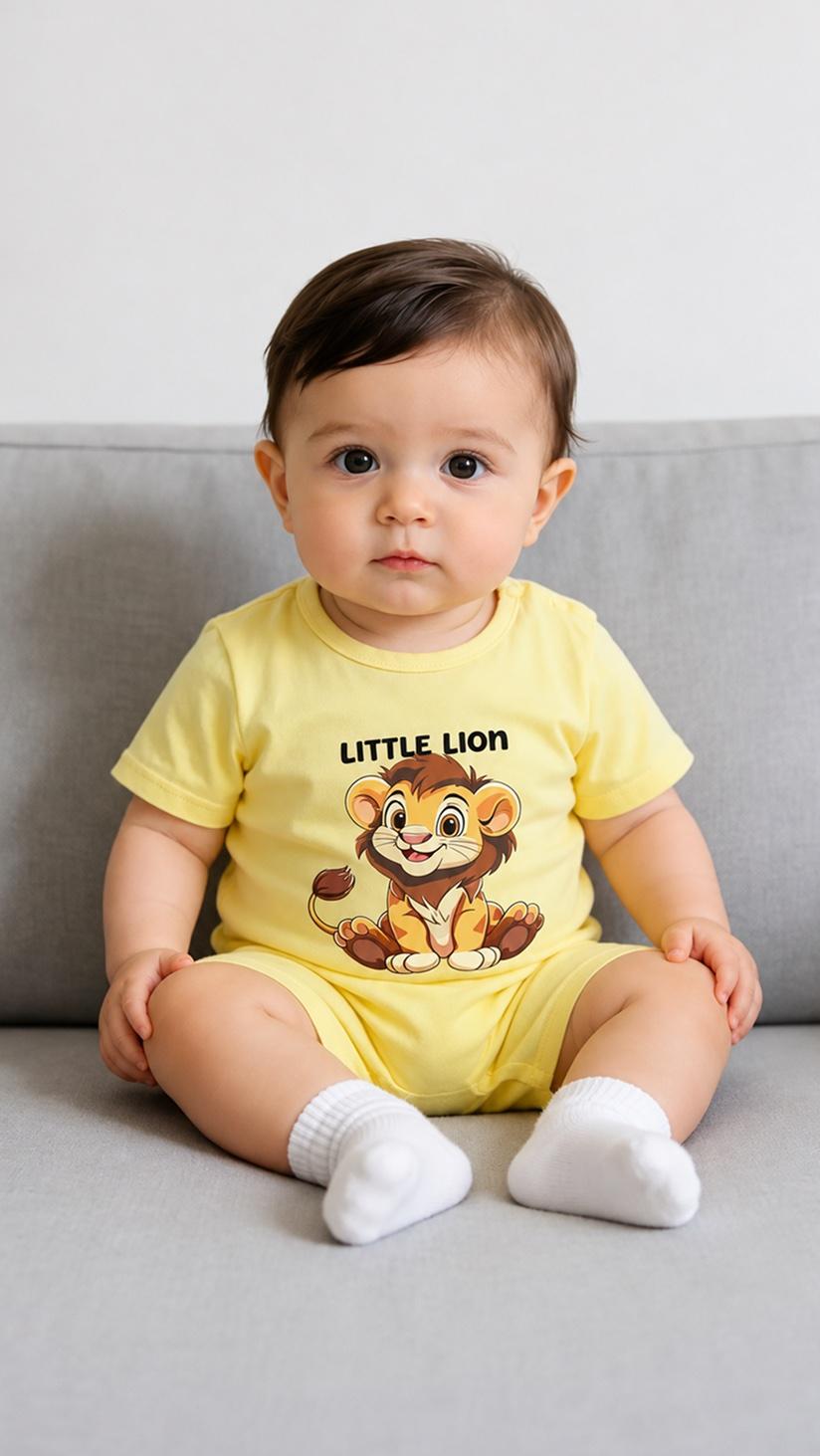
A plain phone photo · scroll


First photoshoot free. Plans available in the app.
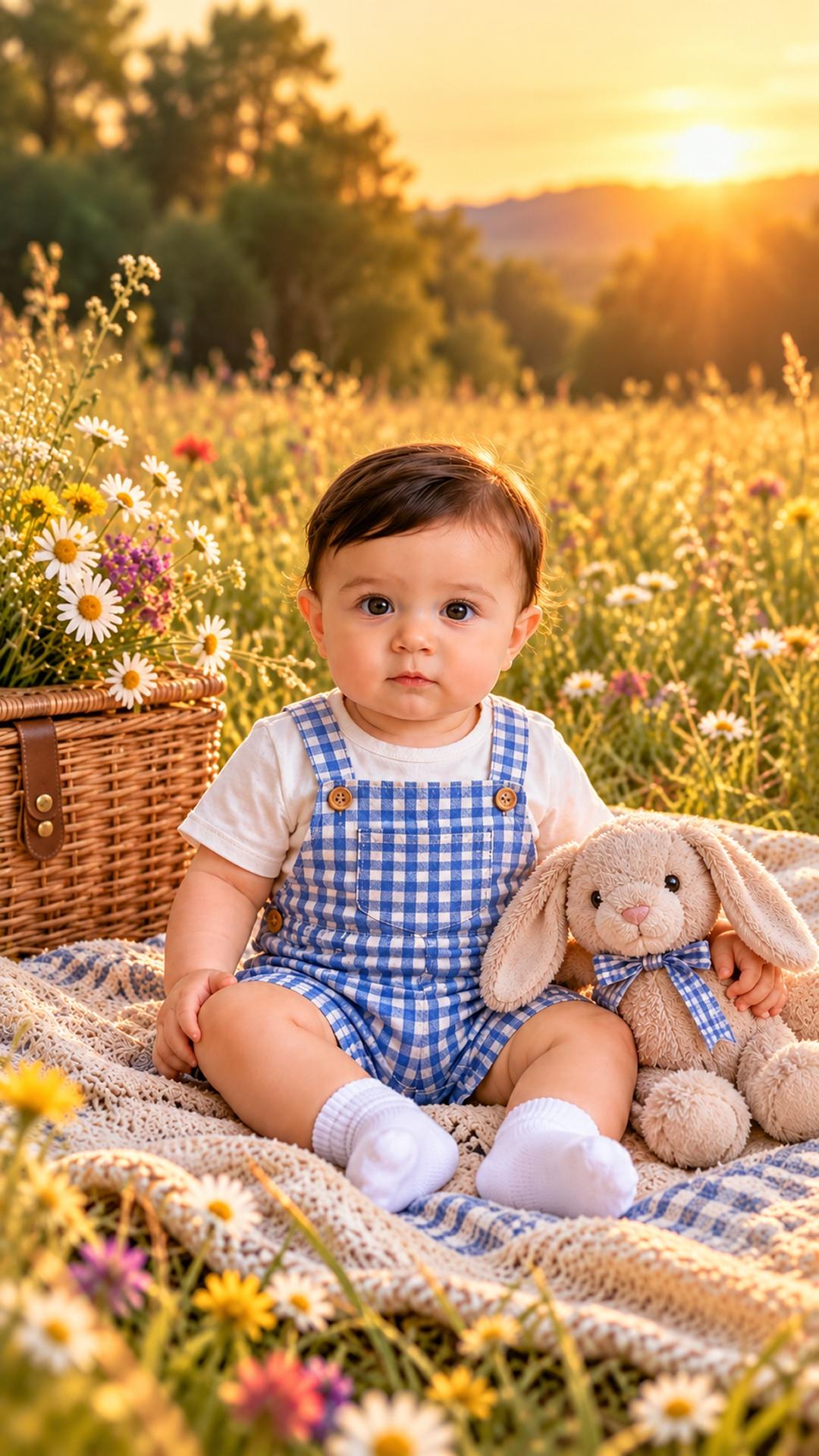

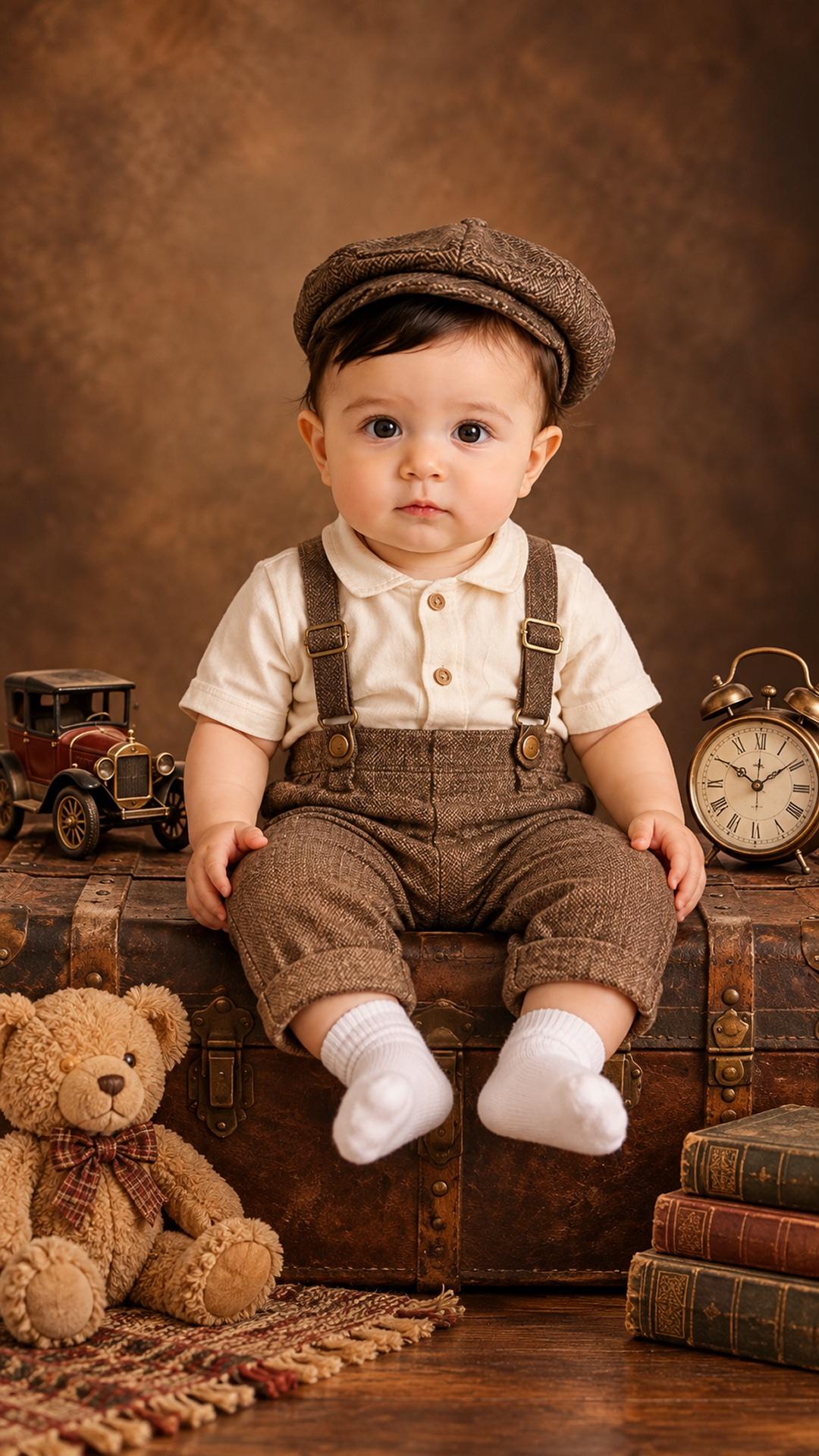
300+ worlds for the same little face
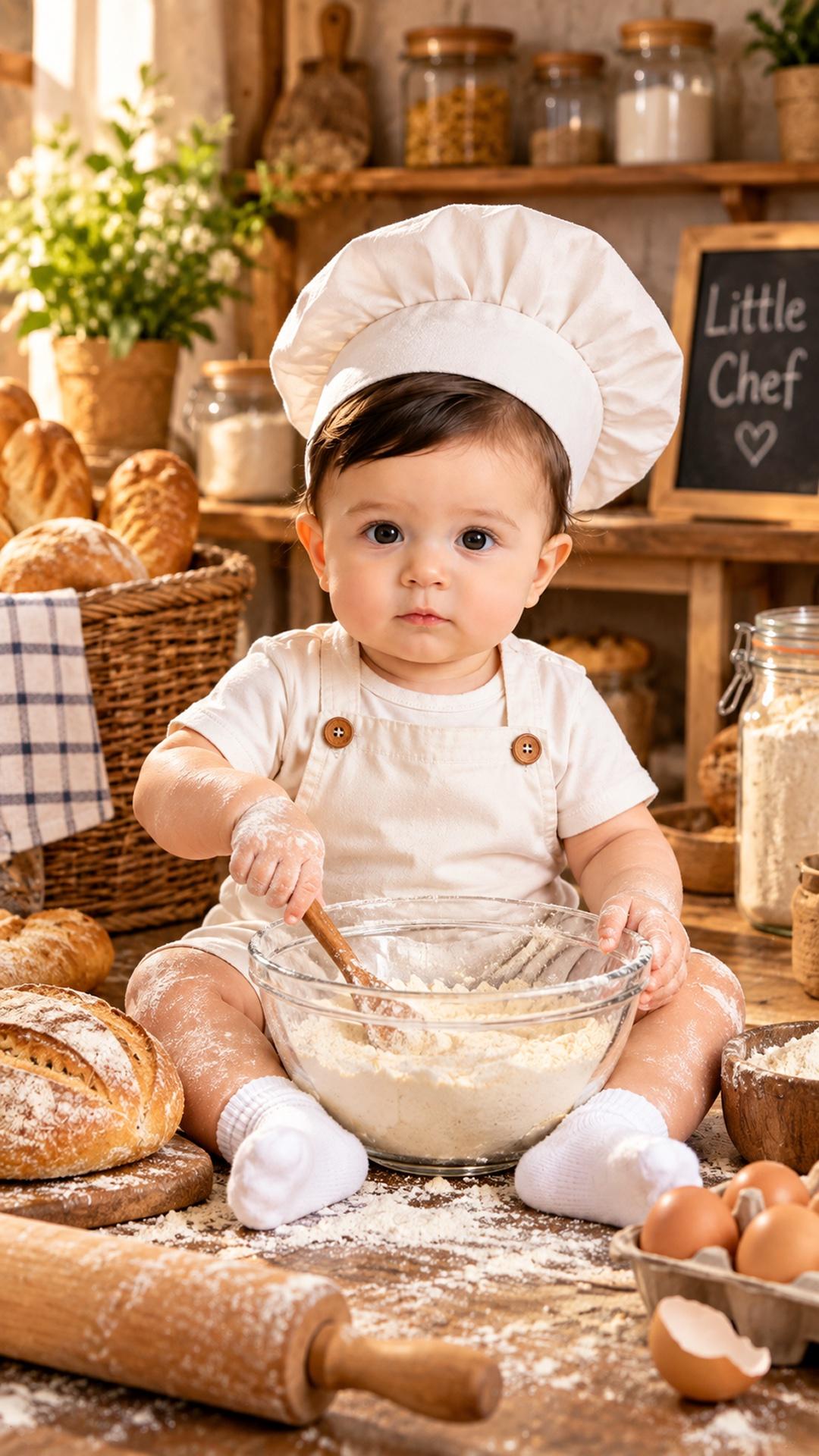
These are the looks parents pick most. Tap any print to see the theme.
- Cute Bee
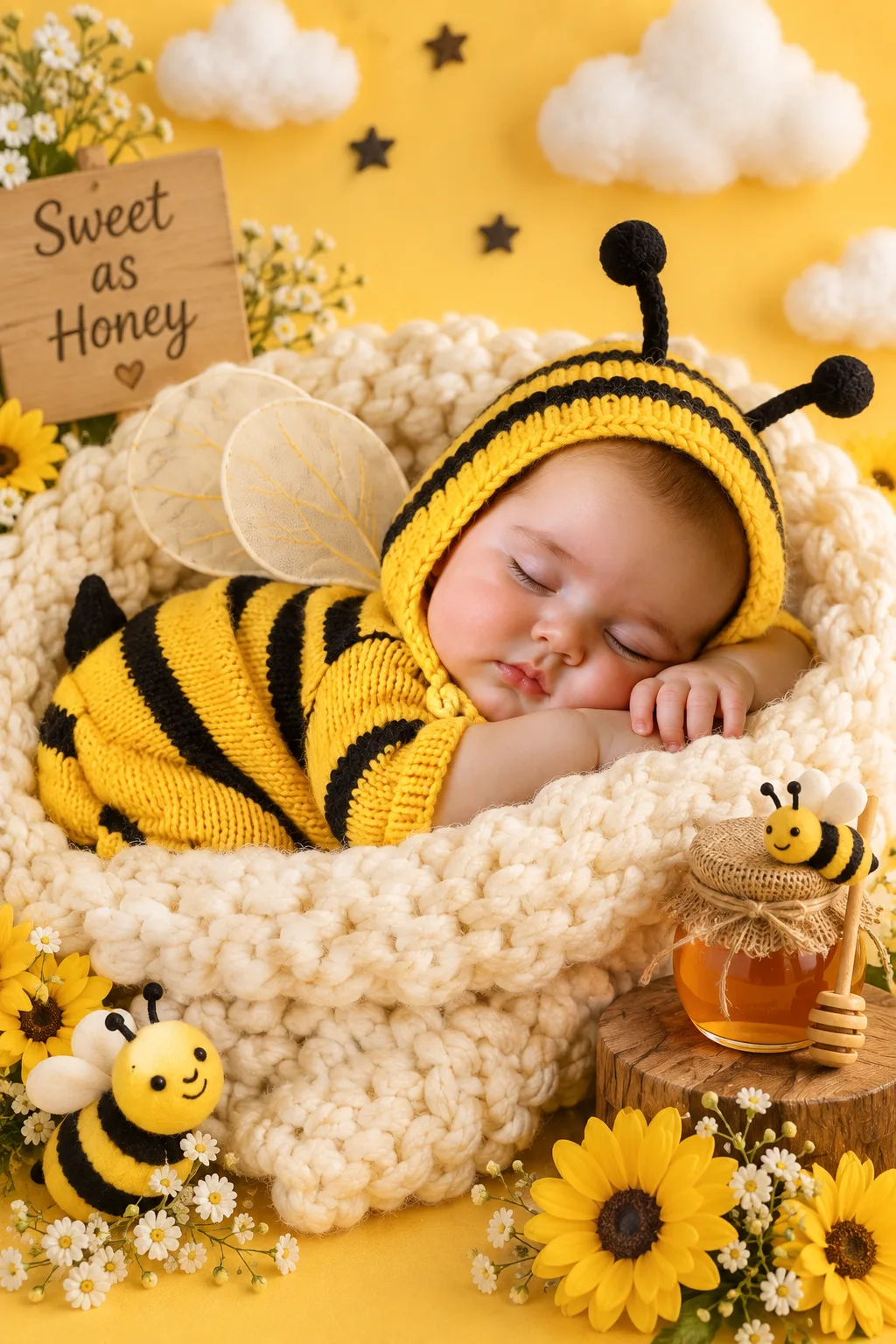
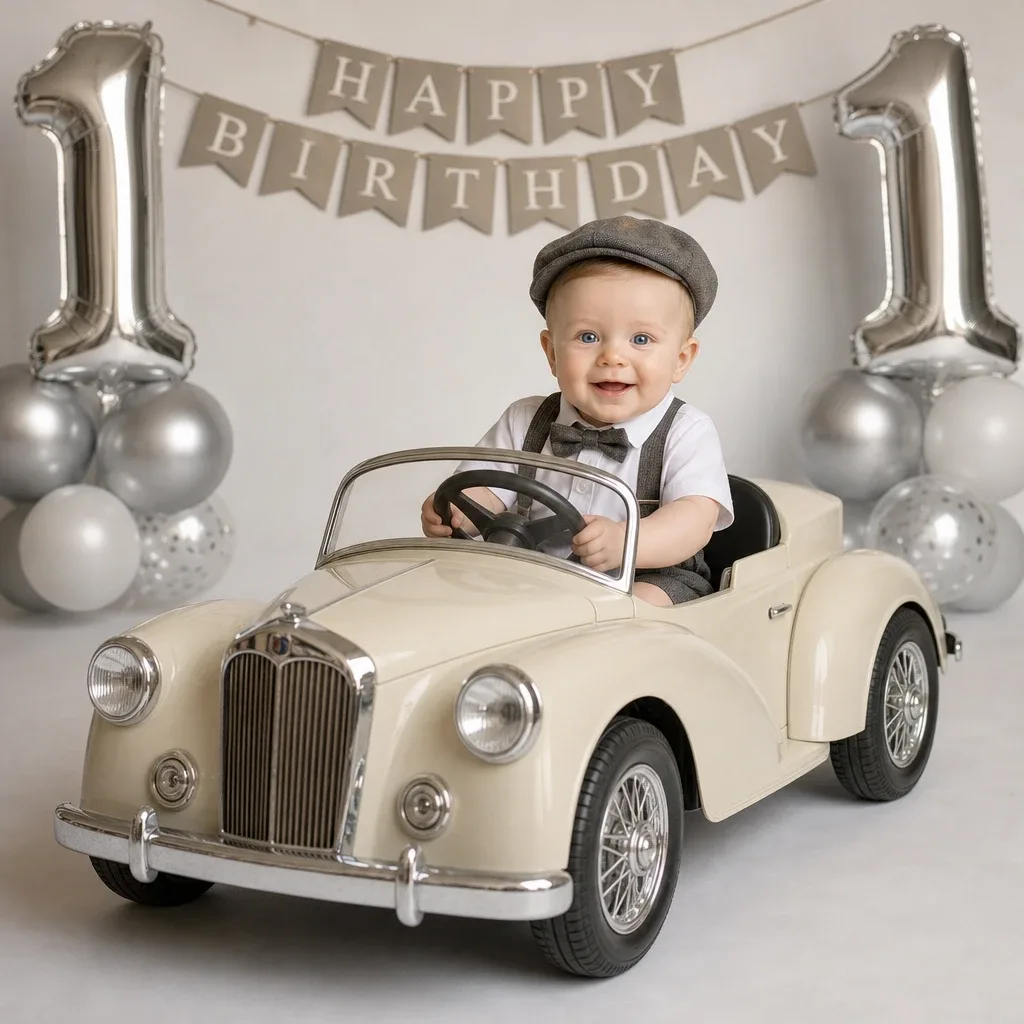
- Classic Car Birthday
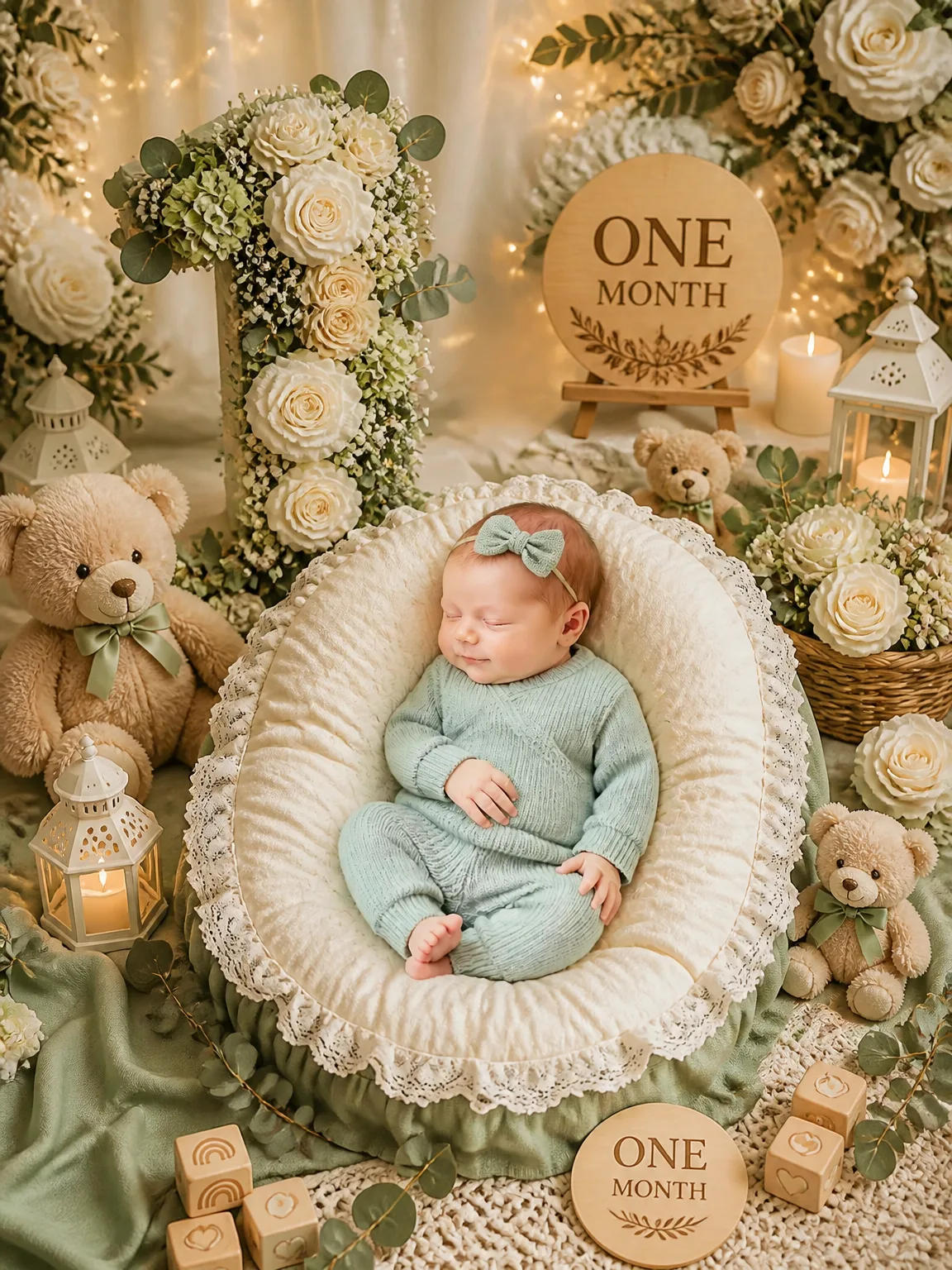
- One Month - Little Sage Milestone
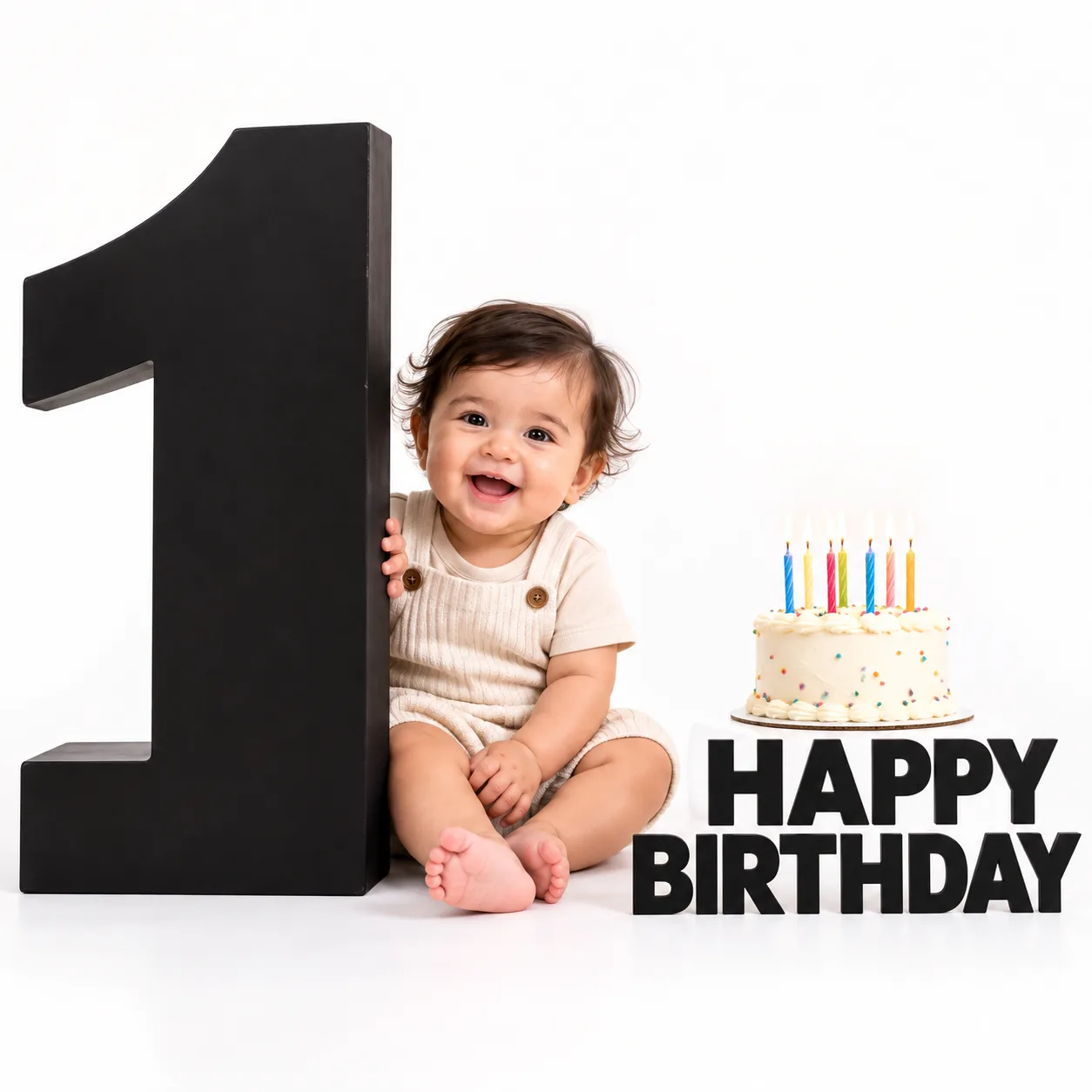
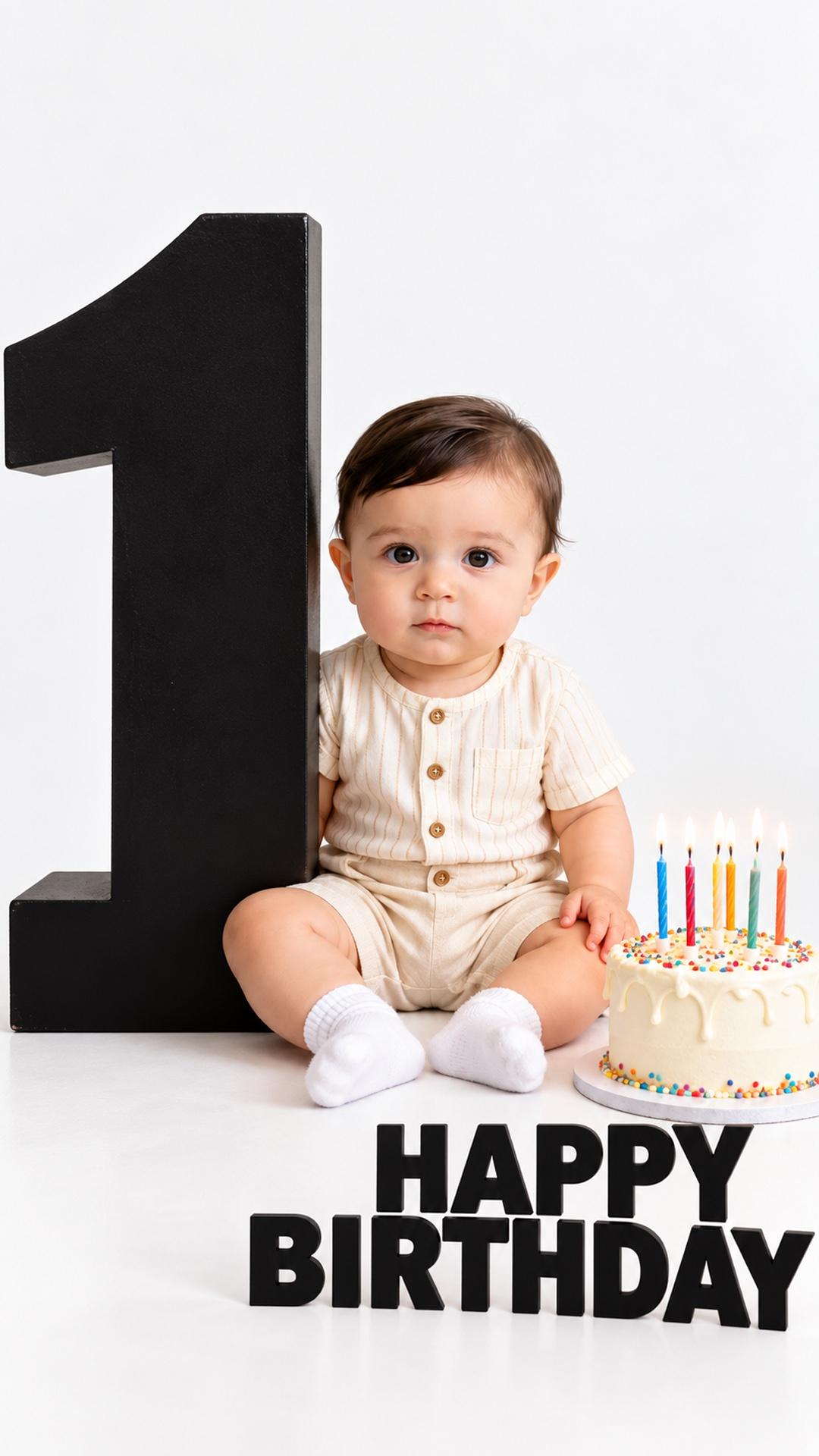
- ONE Cutout Baby
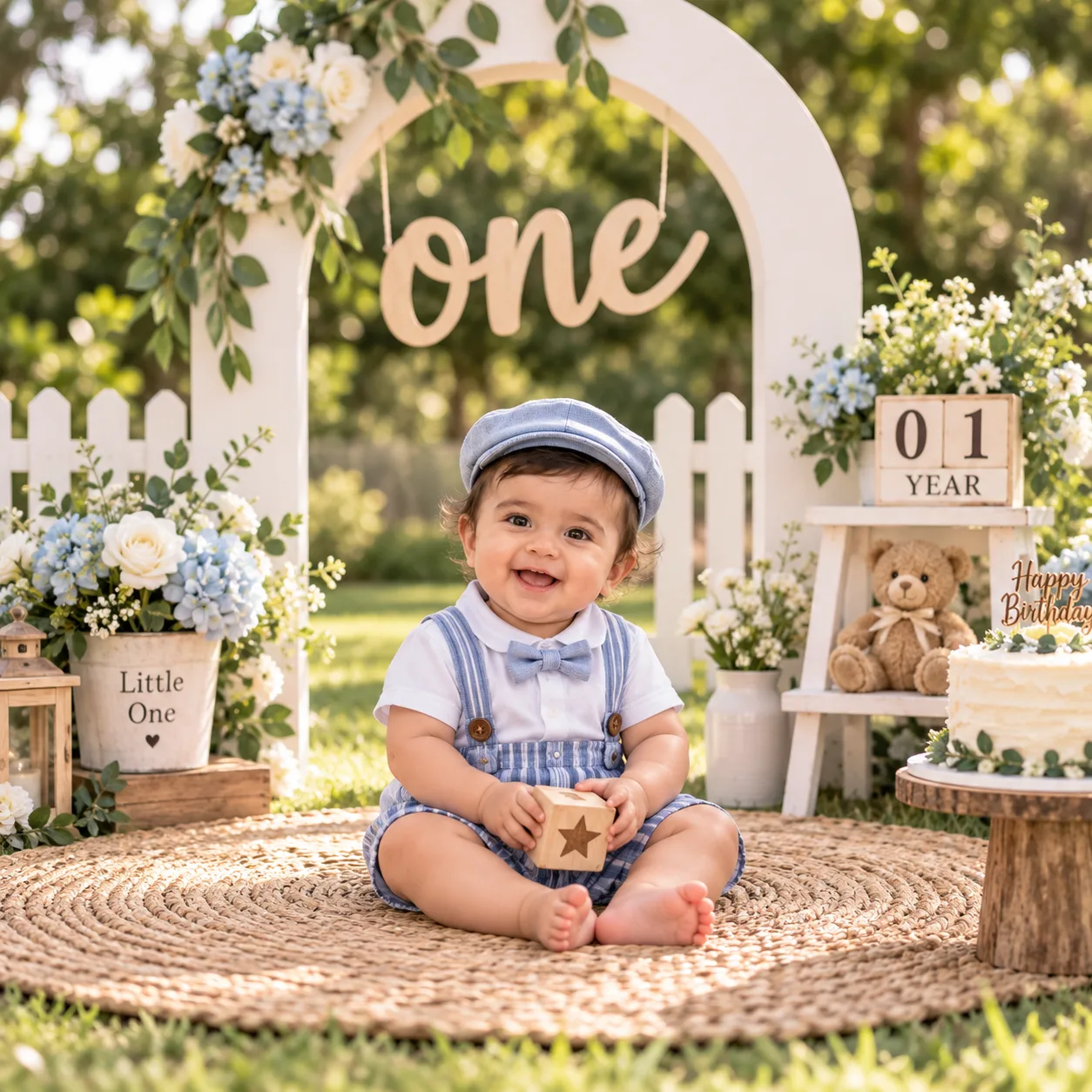
- One-Year Garden Birthday
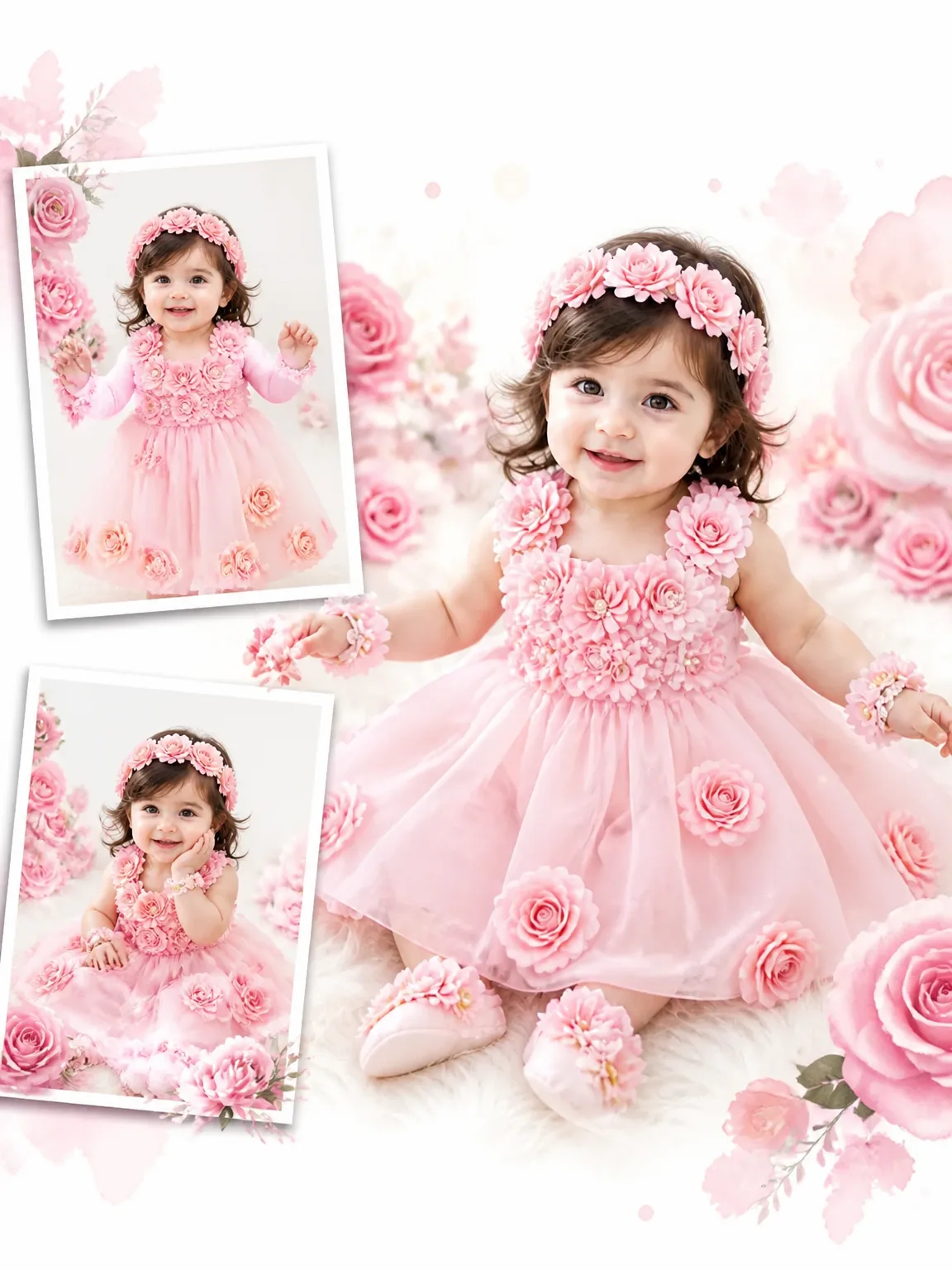
- Pink Rose Birthday
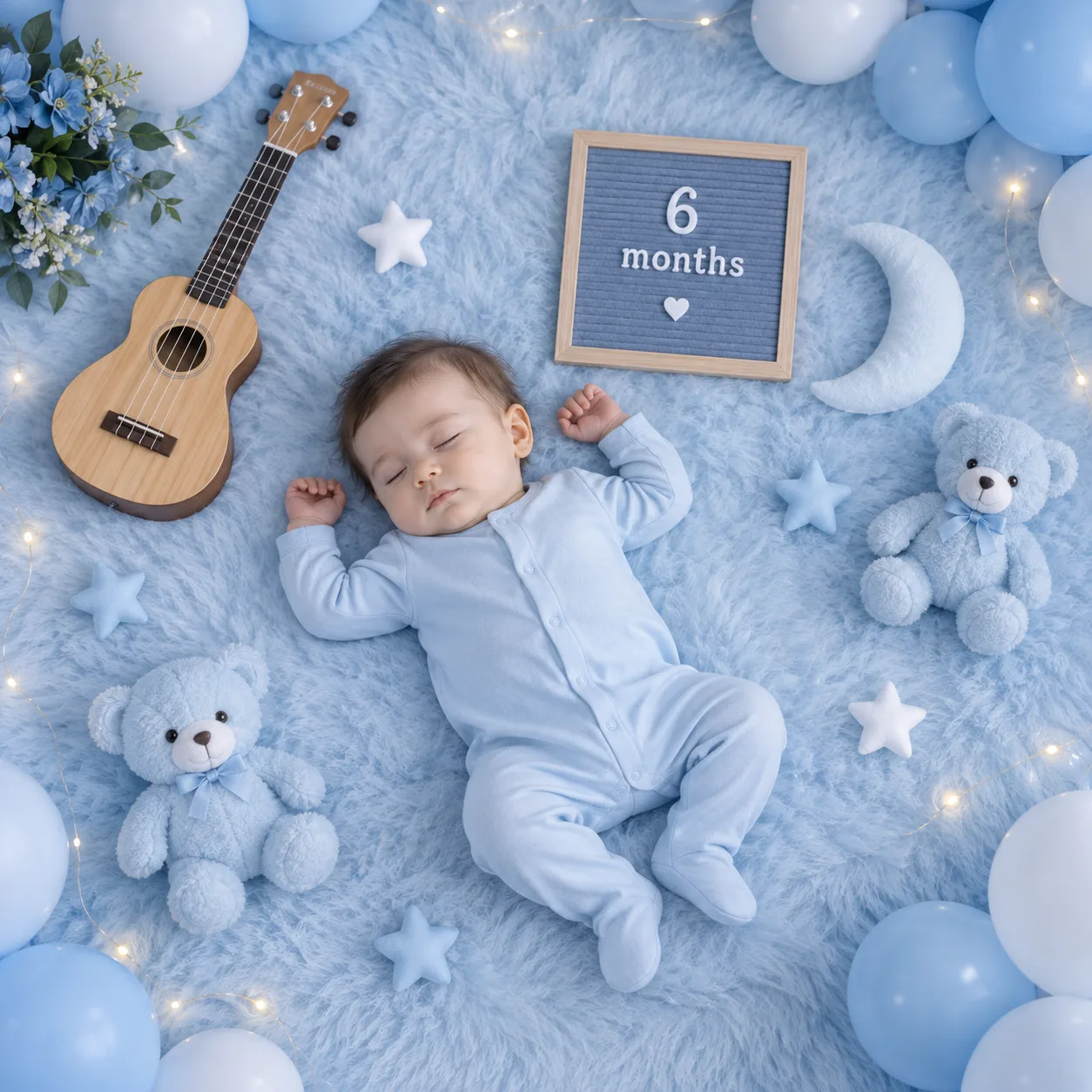
- Blue Milestone
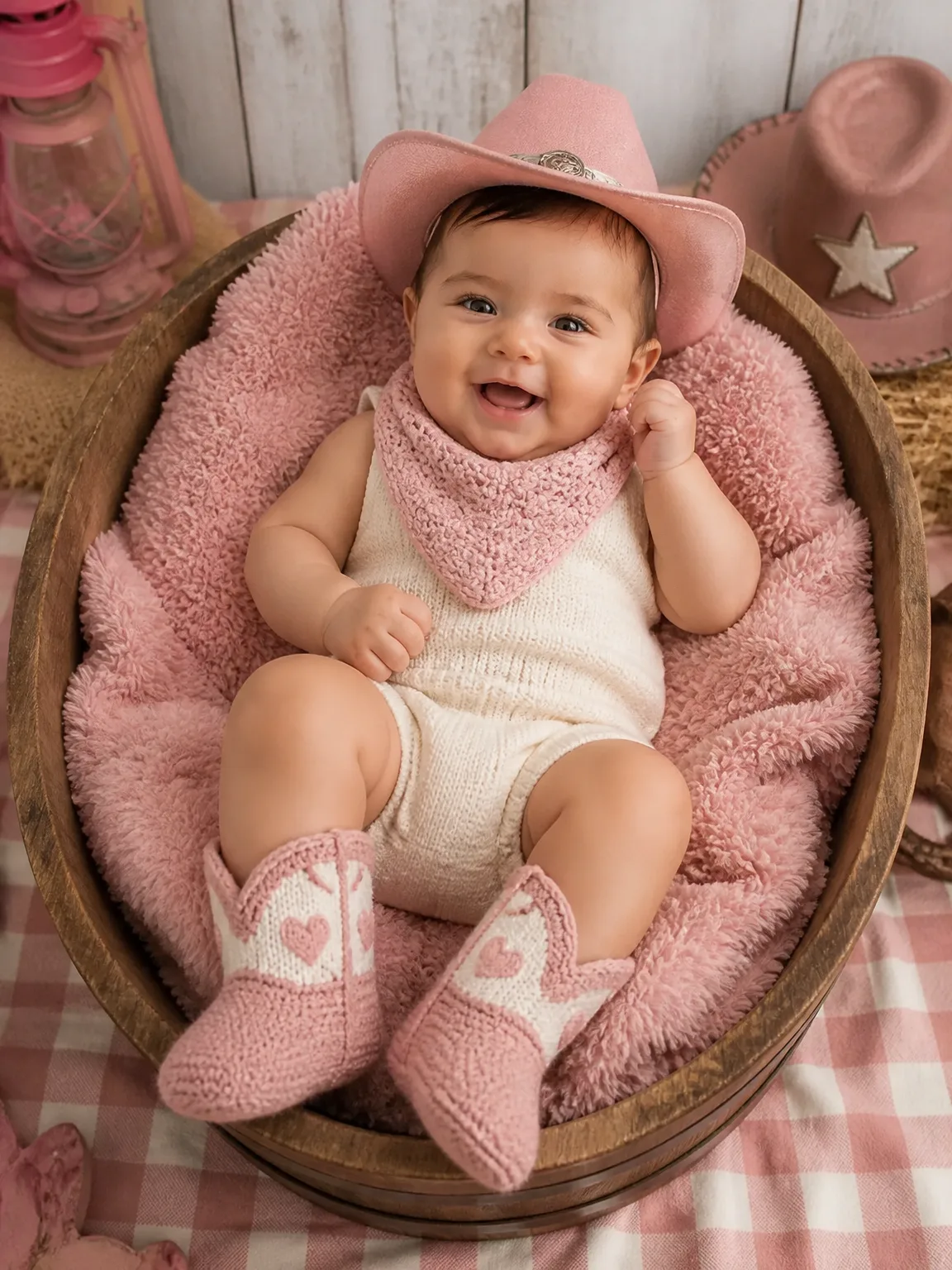
- Pink Cowboy Basket
- One Month — Moonlit Dreams
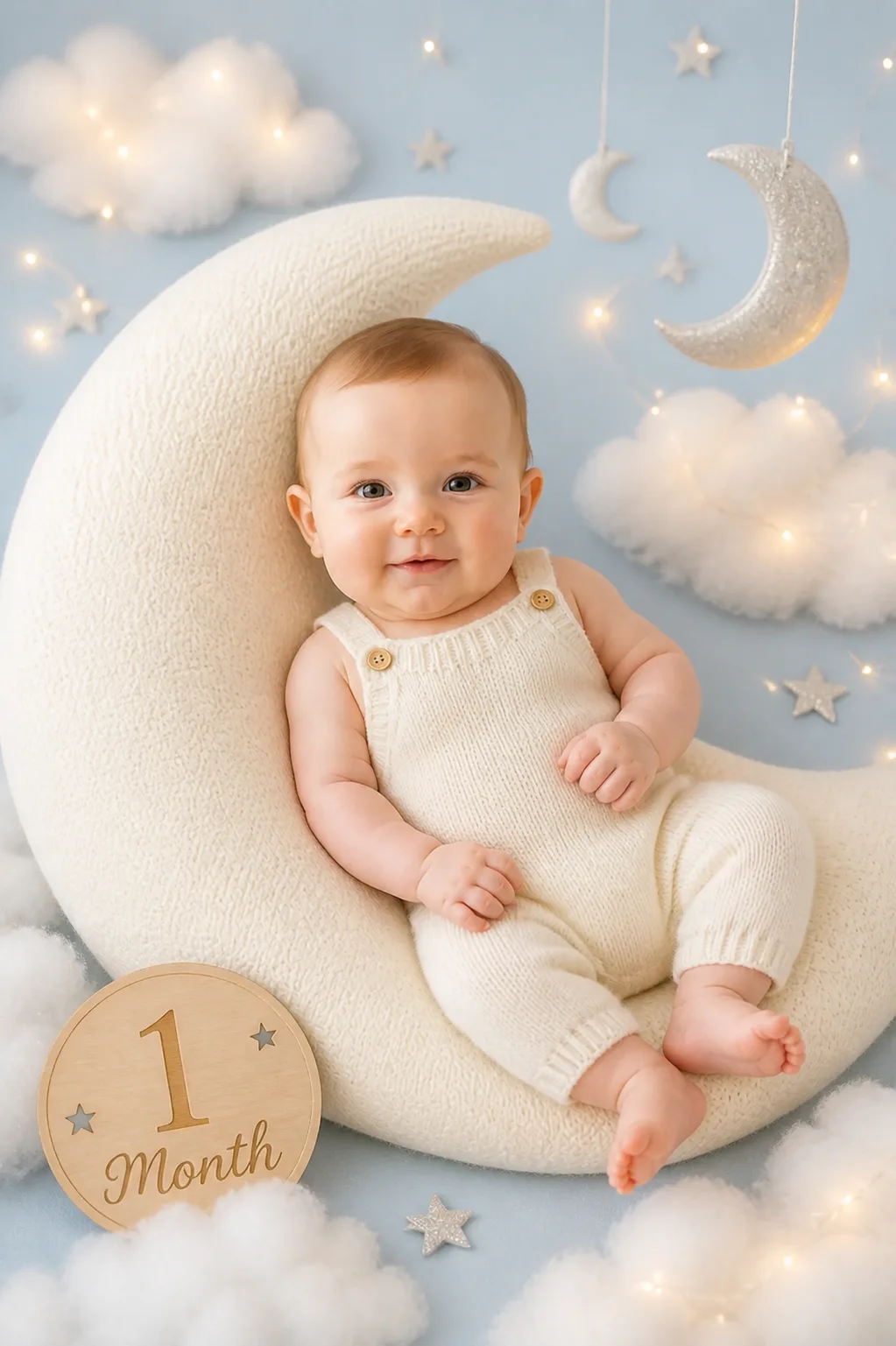
- Pizza Night Baby

- Vintage News Baby
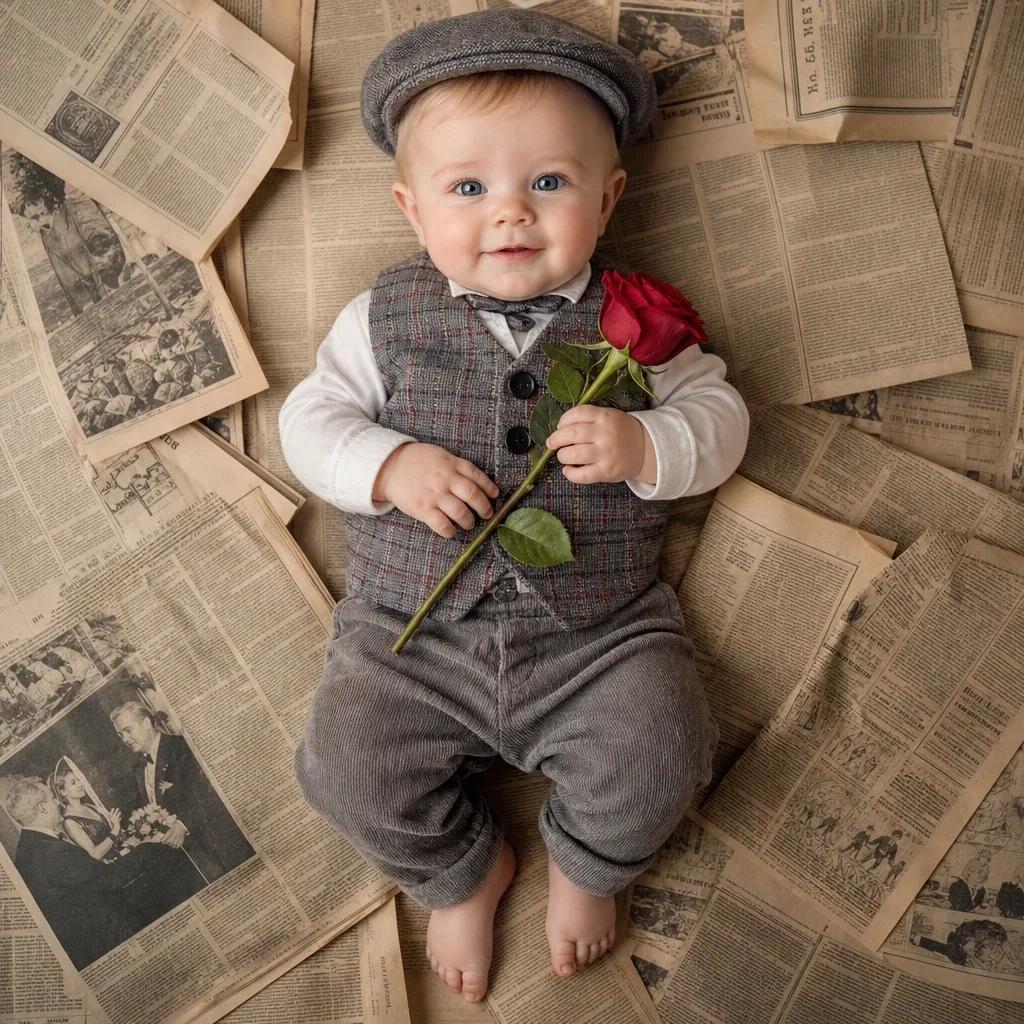
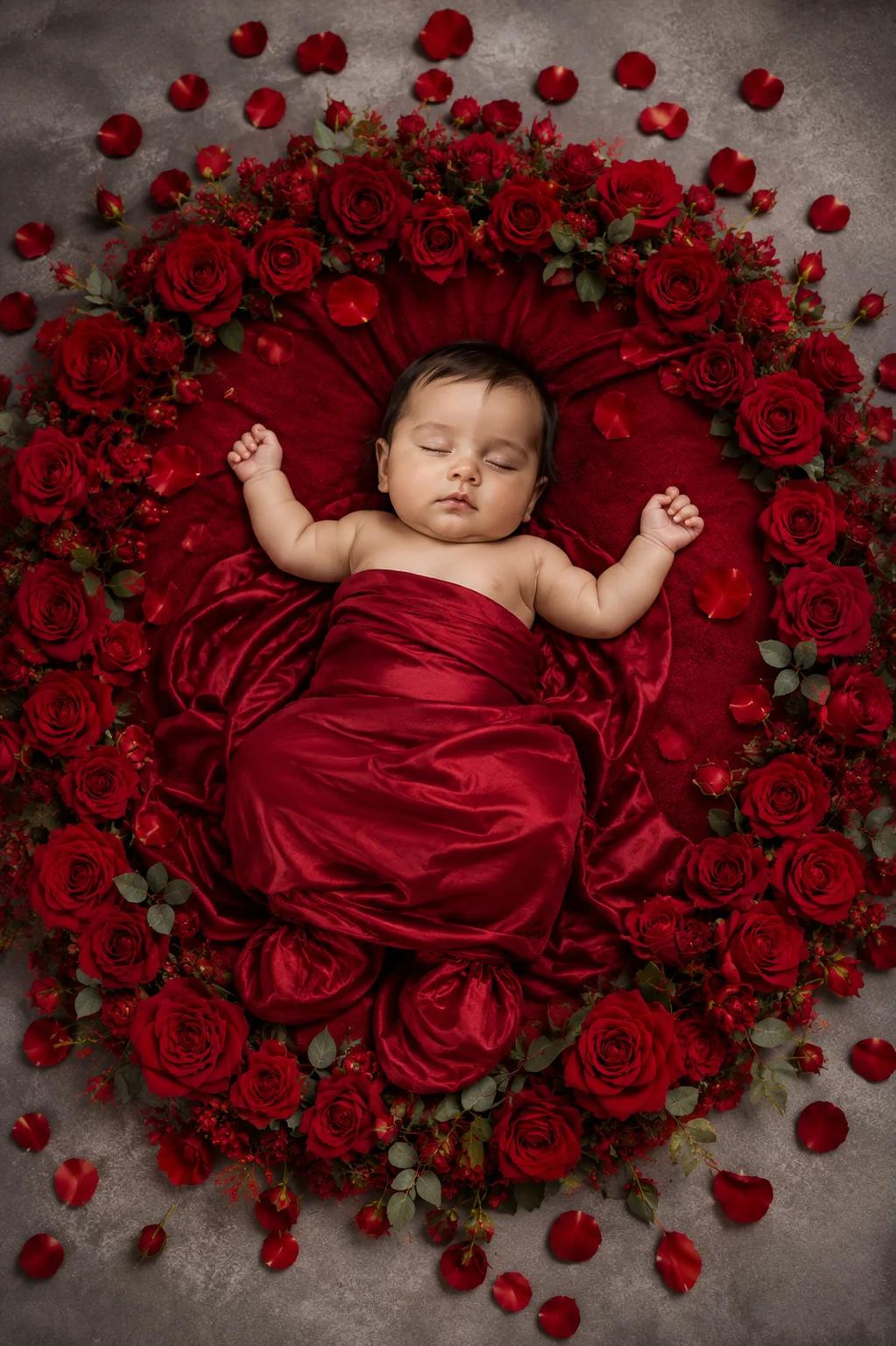
- Red Floral Luxury
- Little Prince Birthday
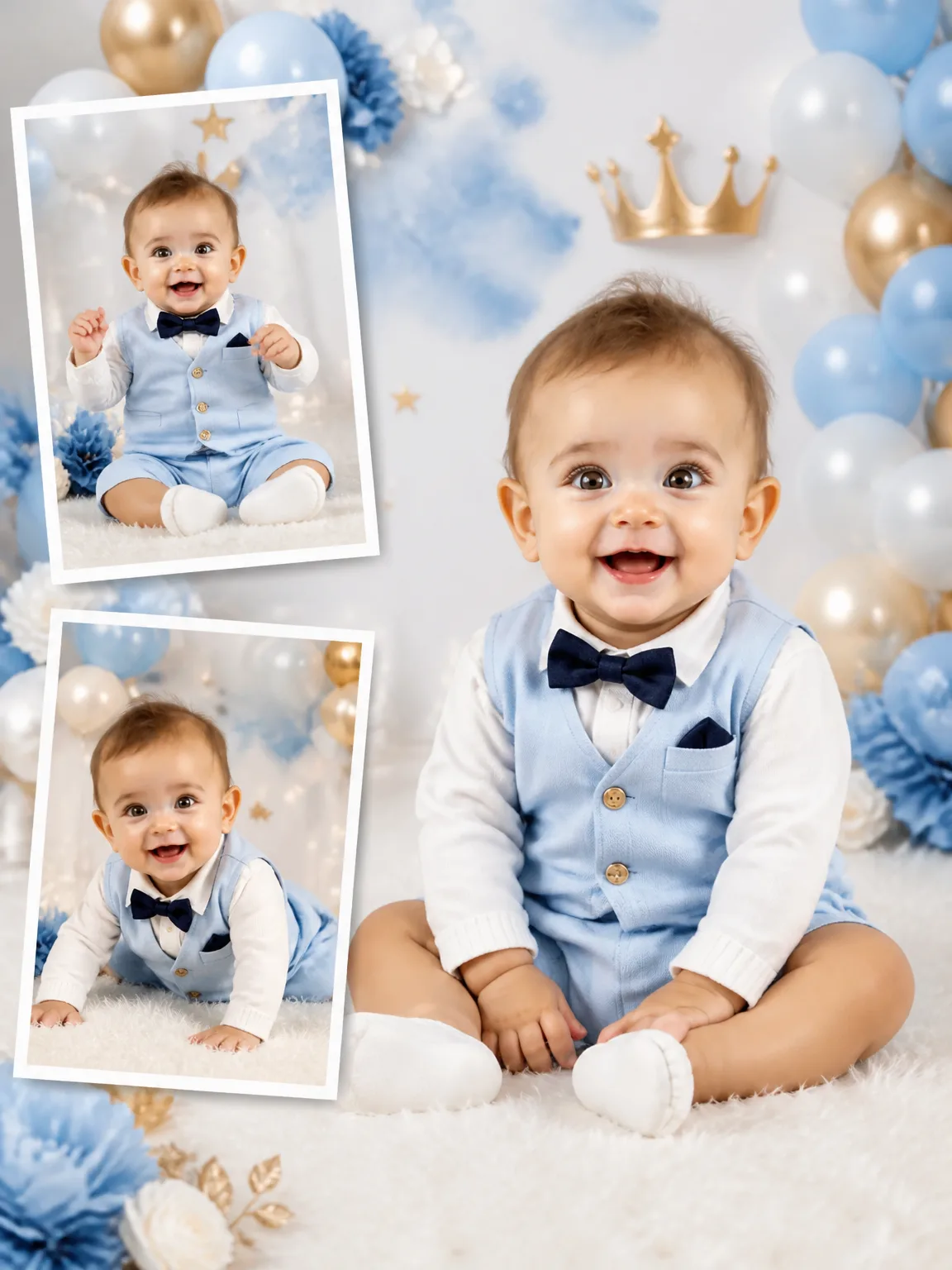
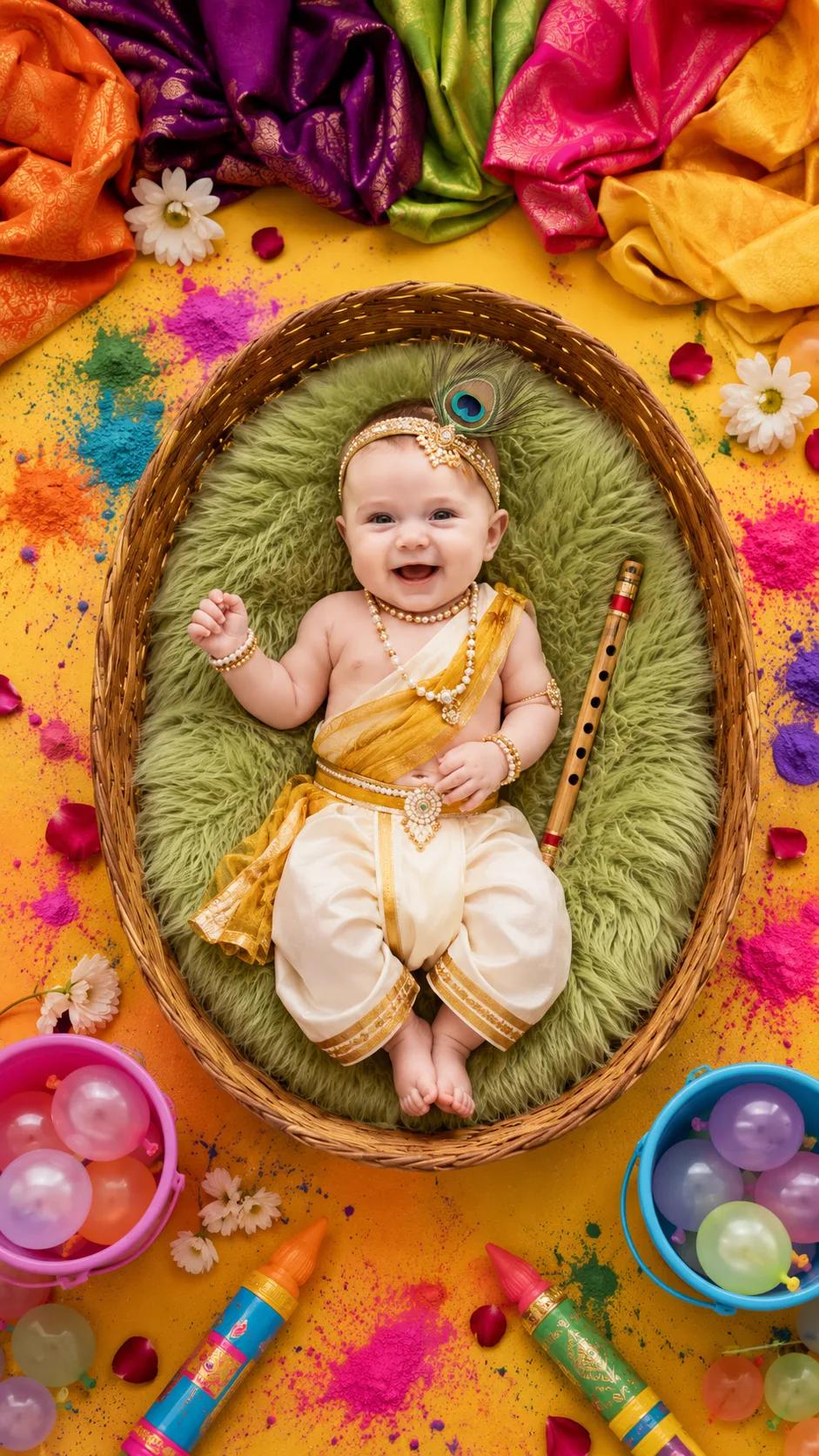
- Baby Krishna Holi Festival
- Little Captain

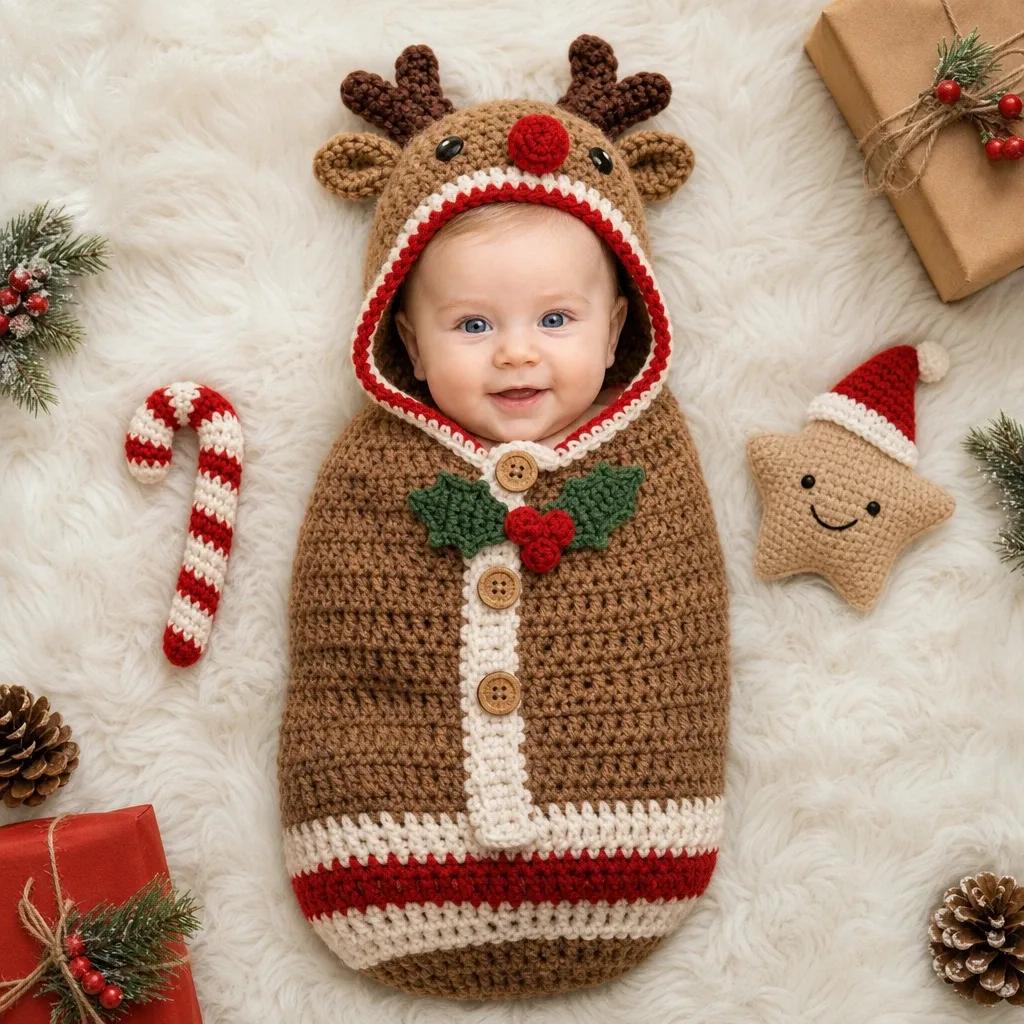
- Reindeer Cuddle
Images are AI-generated from the photo you upload.
Drag to see the change
On the left, the photo a parent took on the sofa. On the right, the portrait the app made from it. Pick a look, then slide.
Images are AI-generated from the photo you upload.
One print a month, for a year
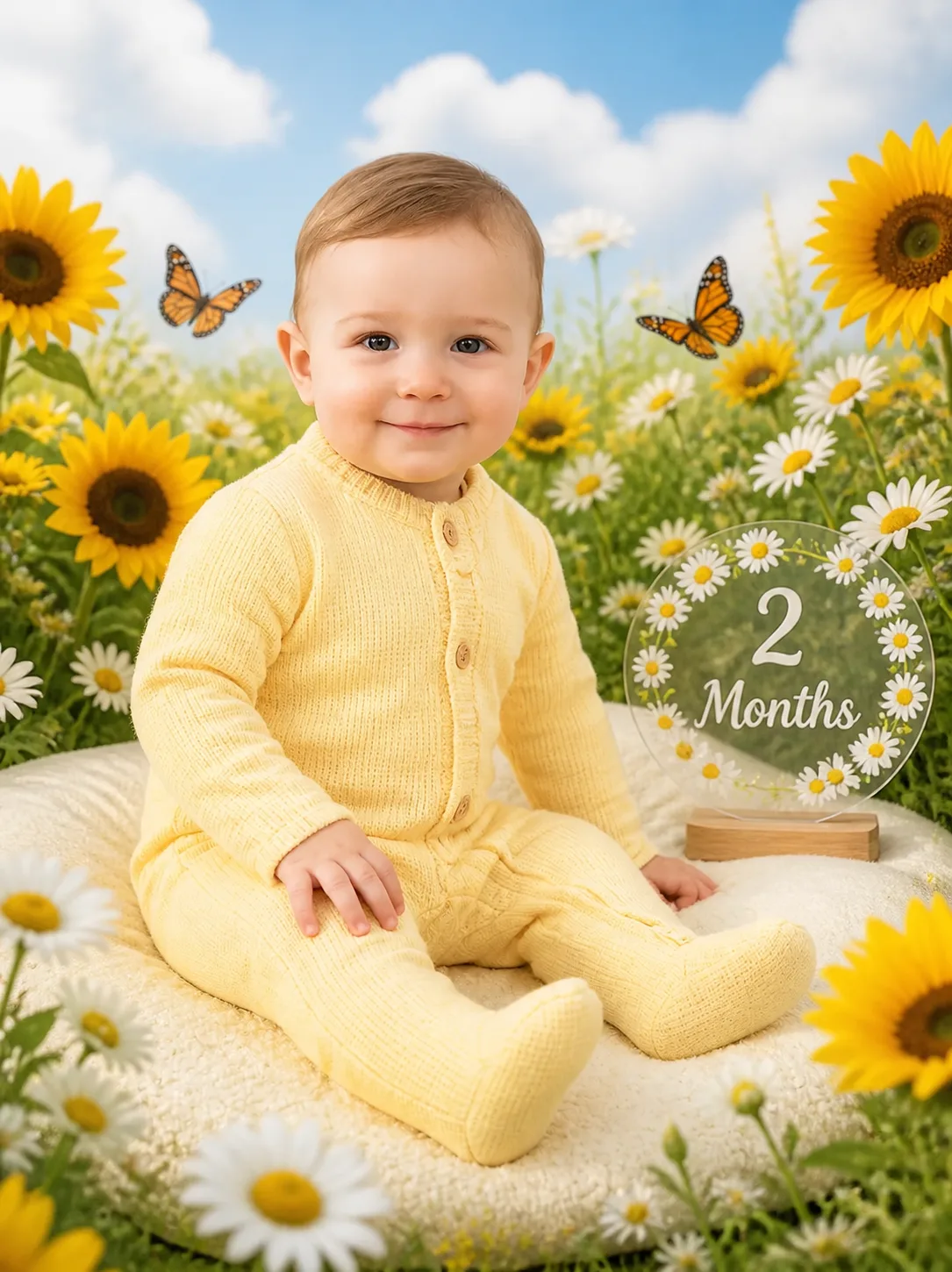
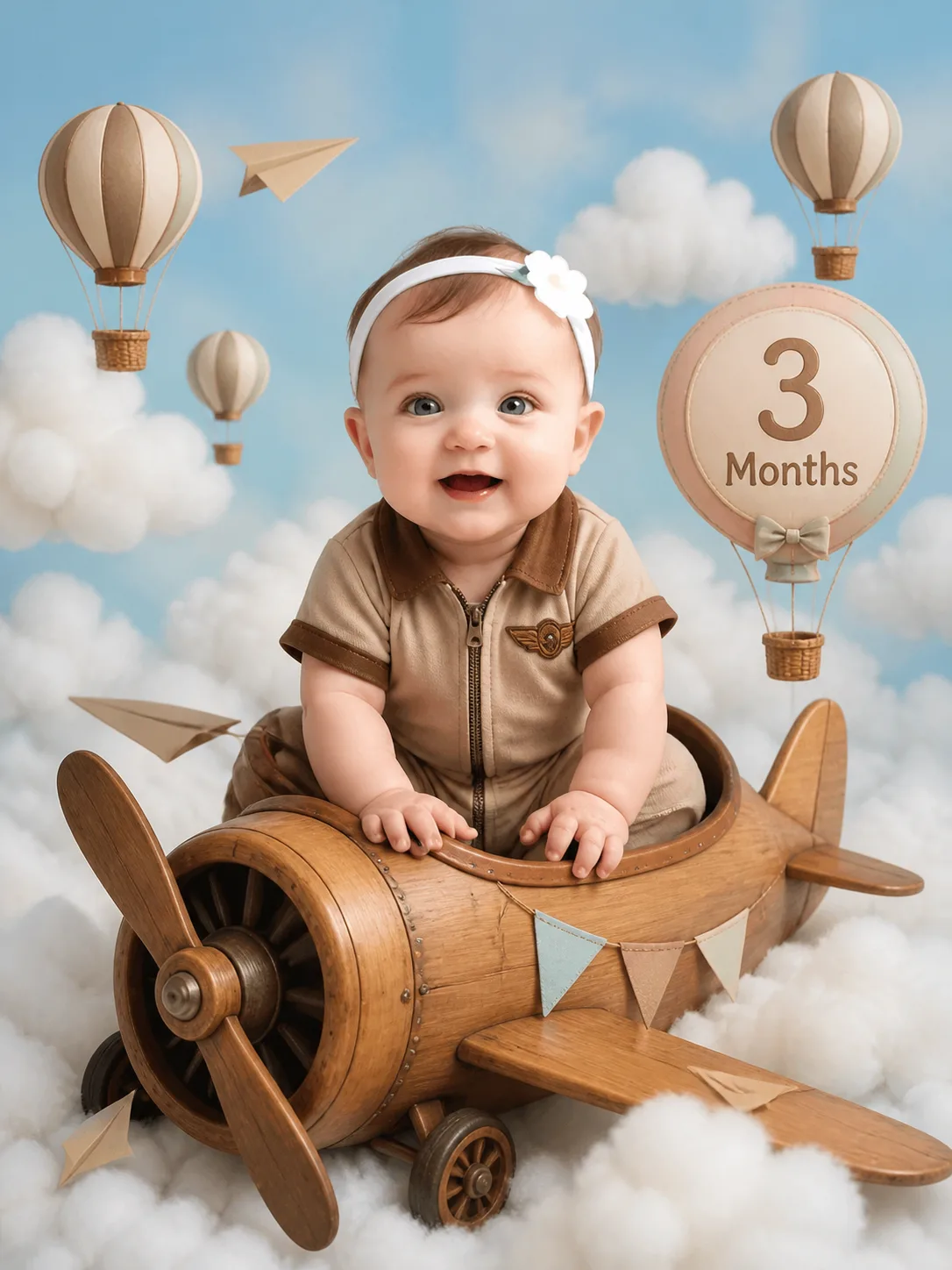
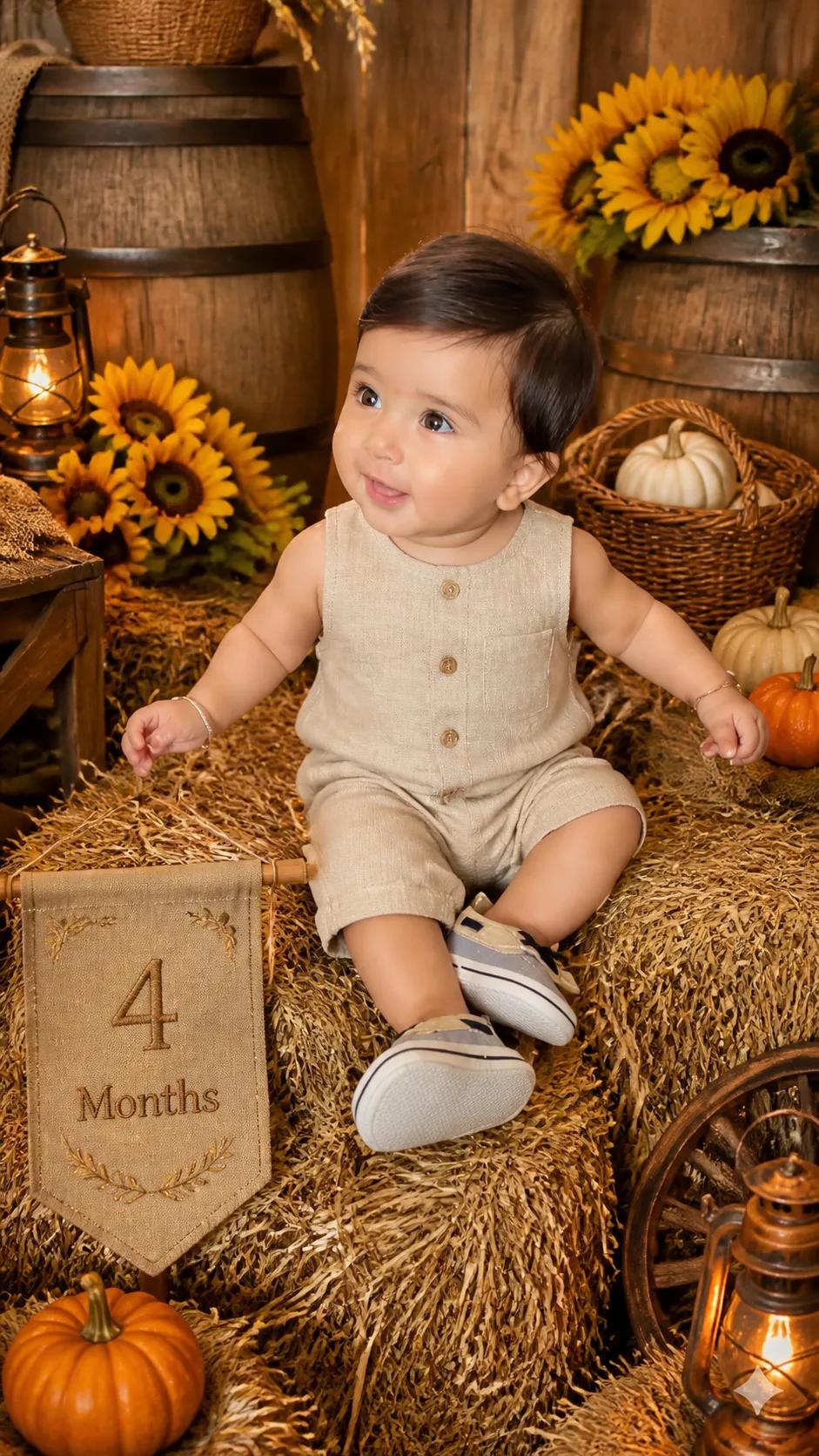
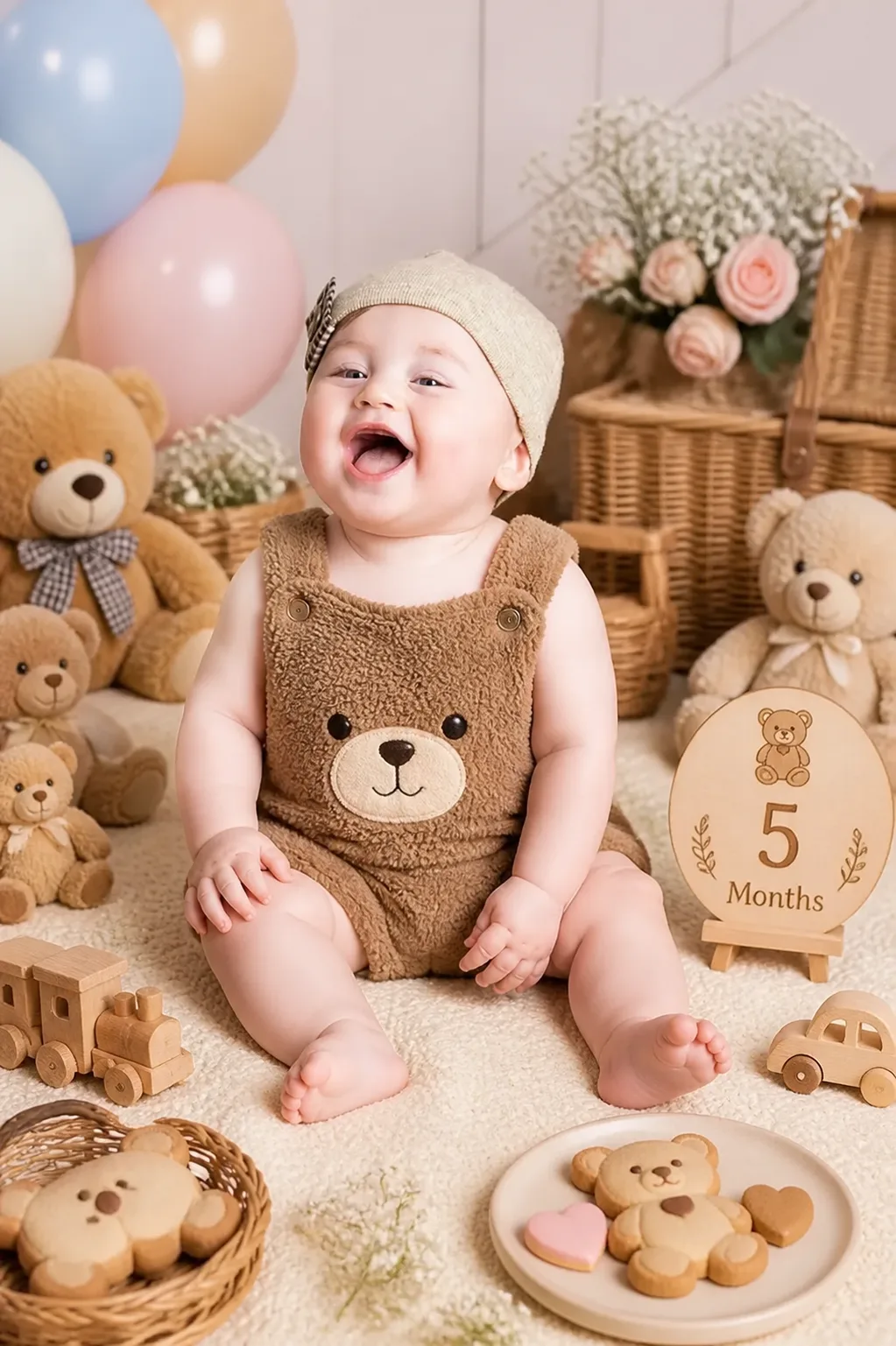
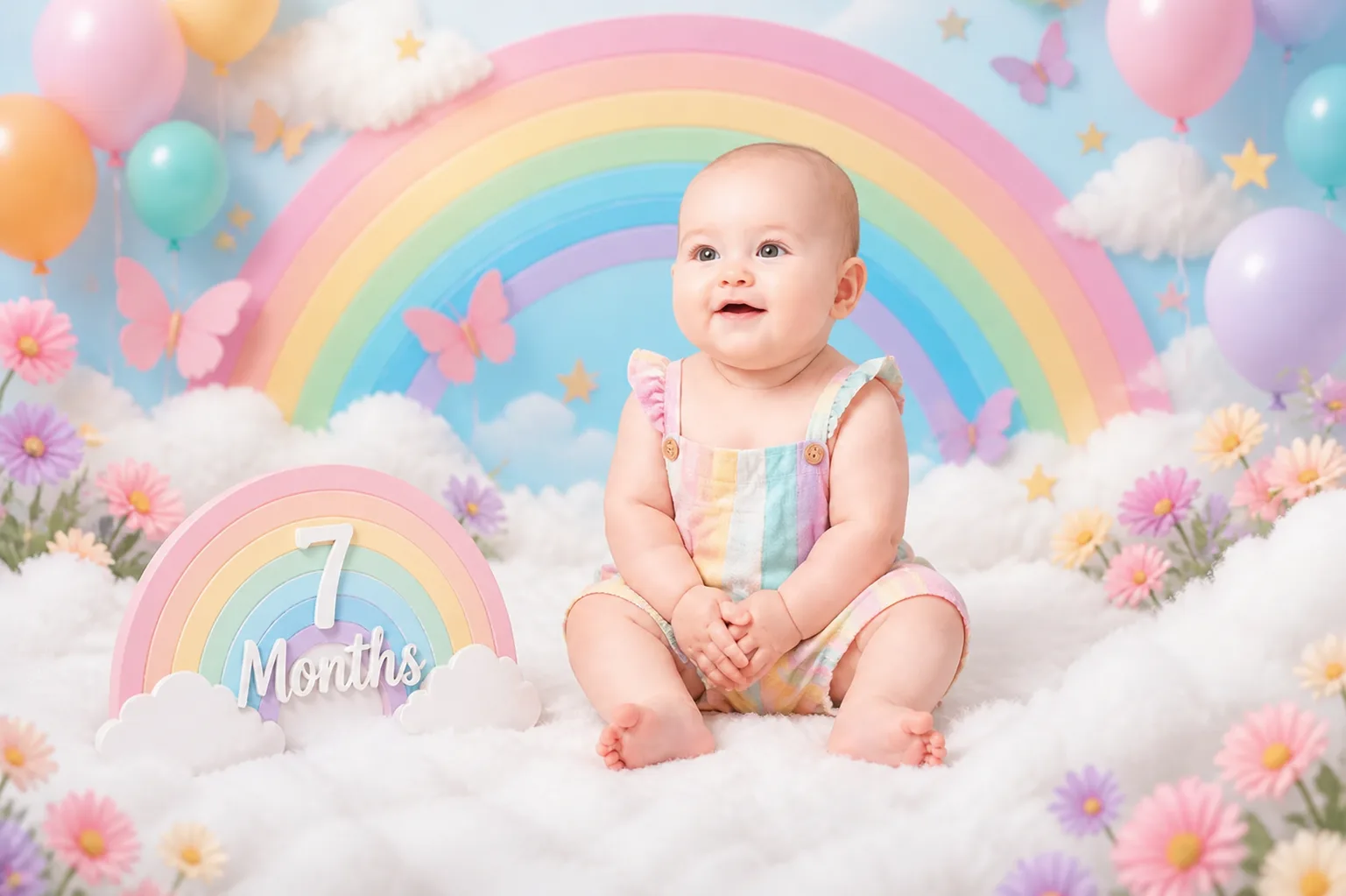
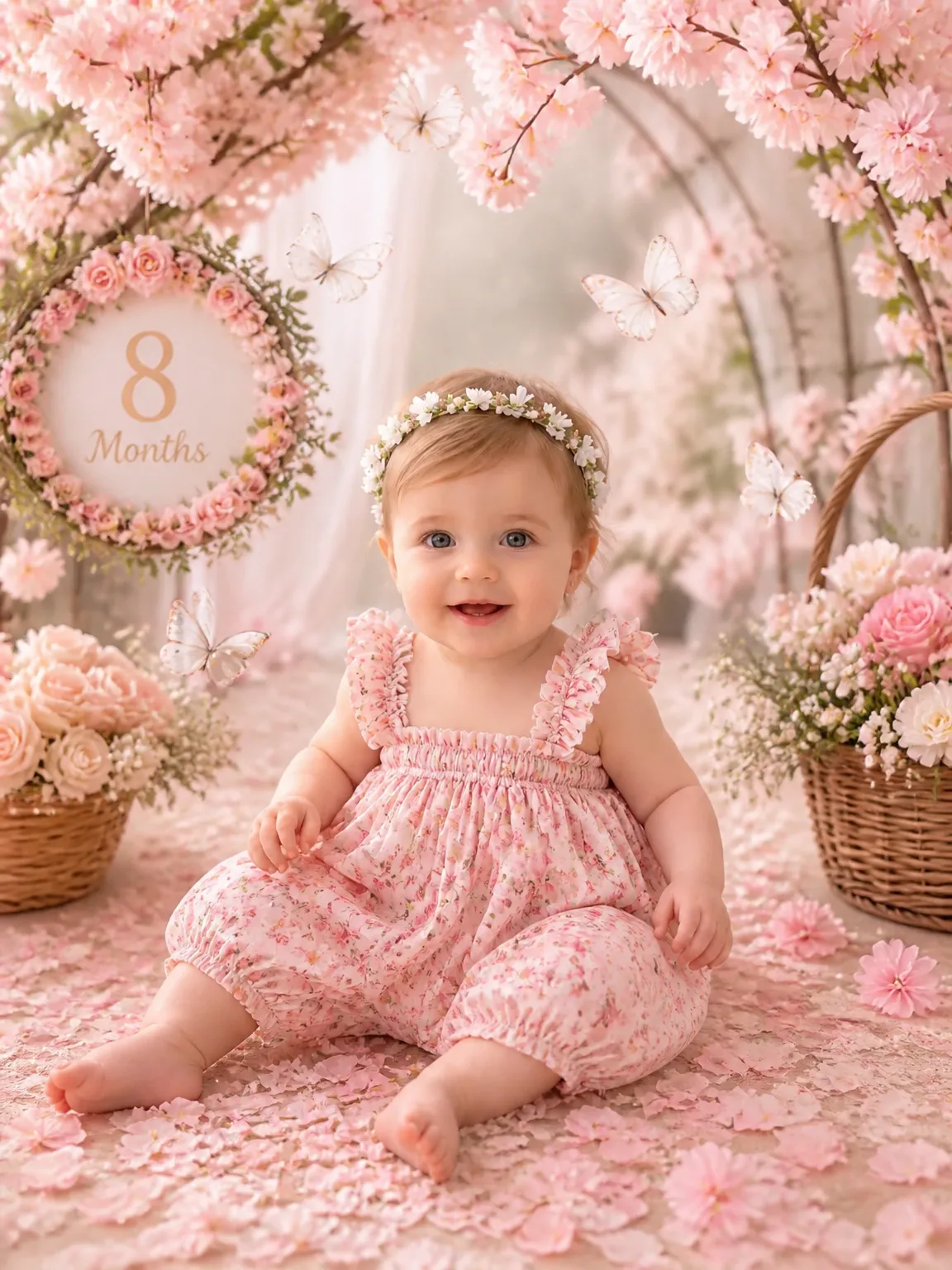
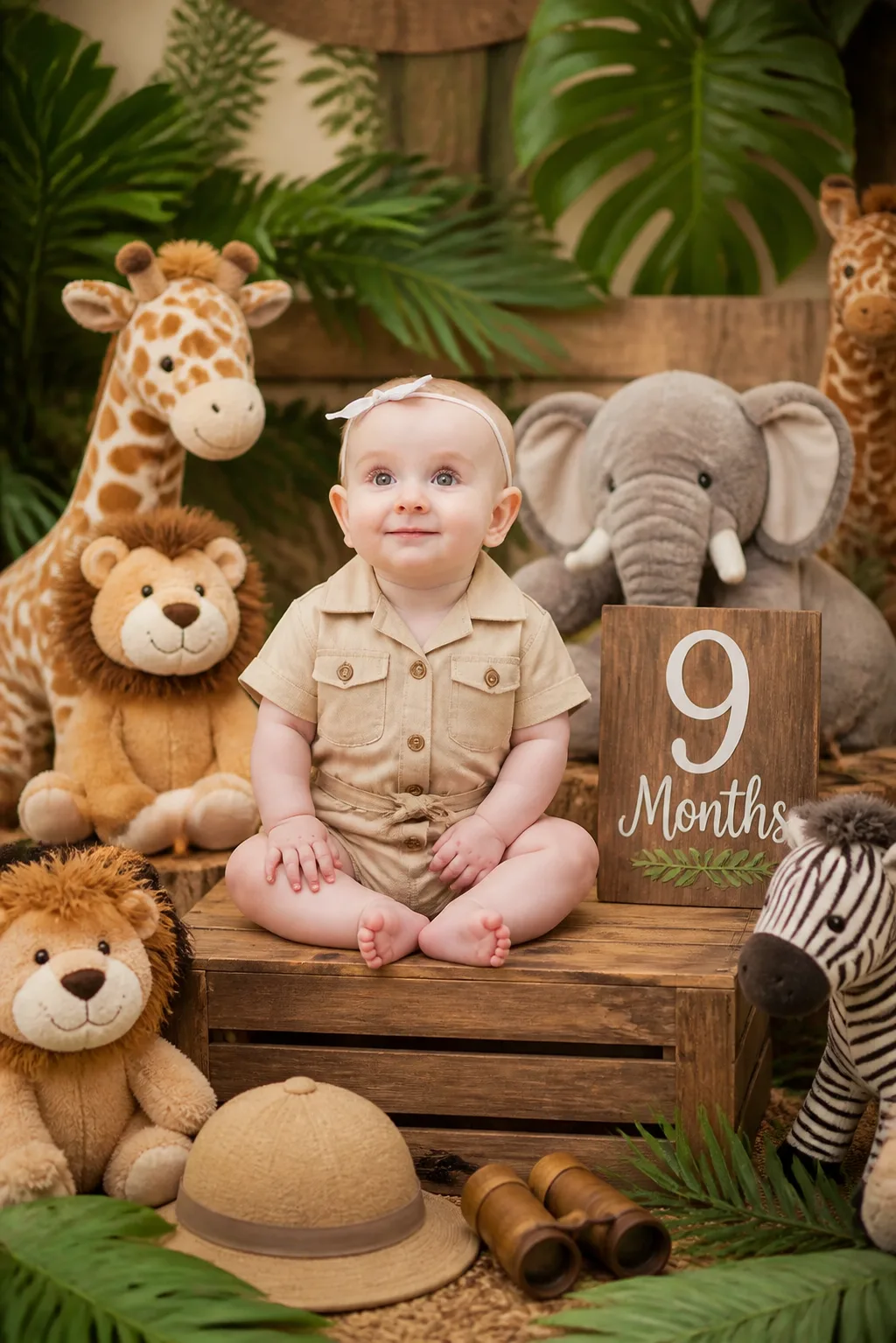
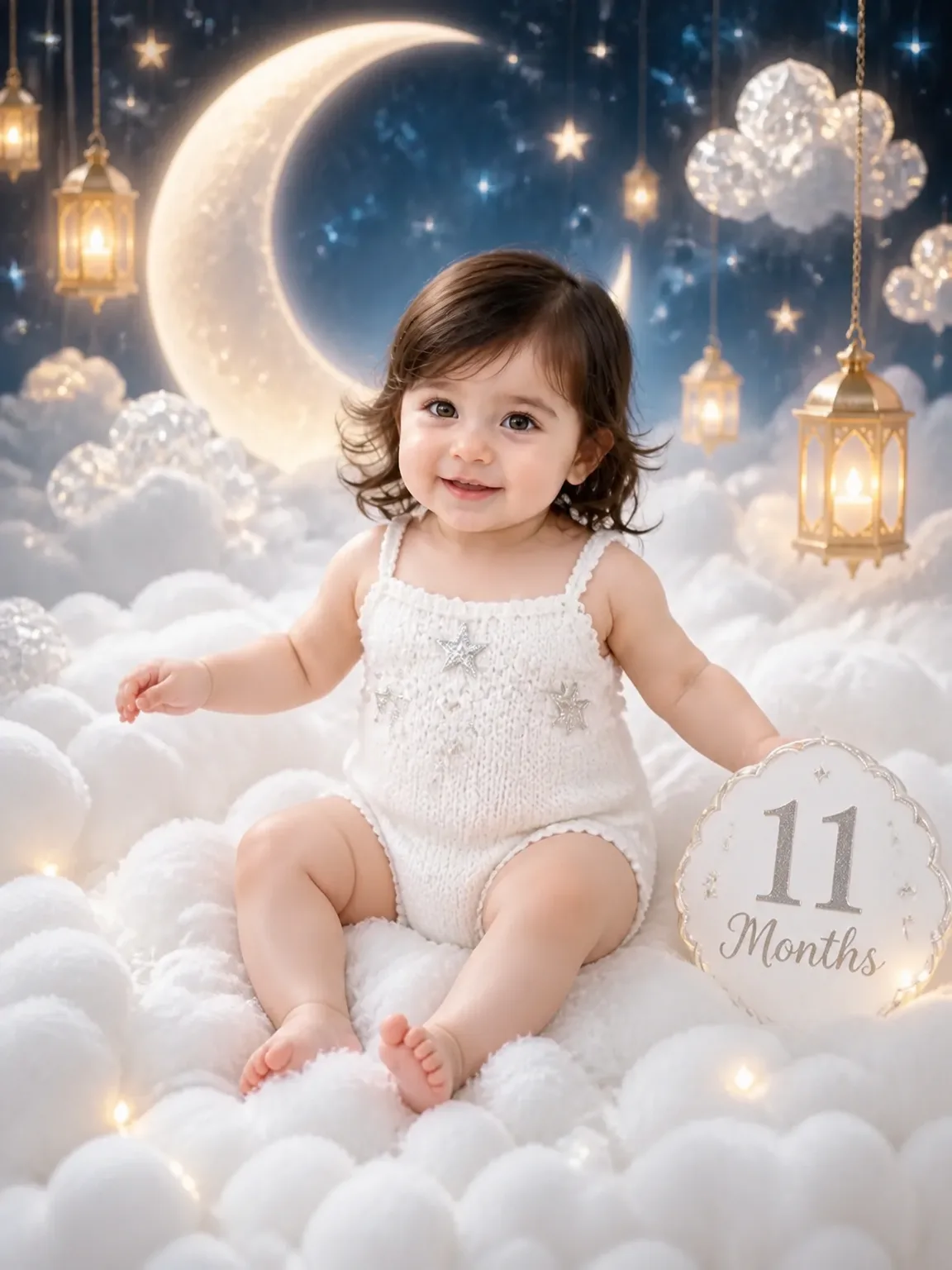
Take one photo each month and hang the year on a string. Follow the ribbon from month 1 to month 12.

Find the look for the day
Fourteen kinds of photoshoot, from the first week to the first birthday.
- Fantasy74
- Birthday29
- Monthly Milestones33
- Newborn Dreams15
- Vintage24
- Floral28
- Christmas26
- Outdoor27
- Halloween15
- Traditional8
- Festive1
- Cake Smash10
- Boho10
- Milk Bath11
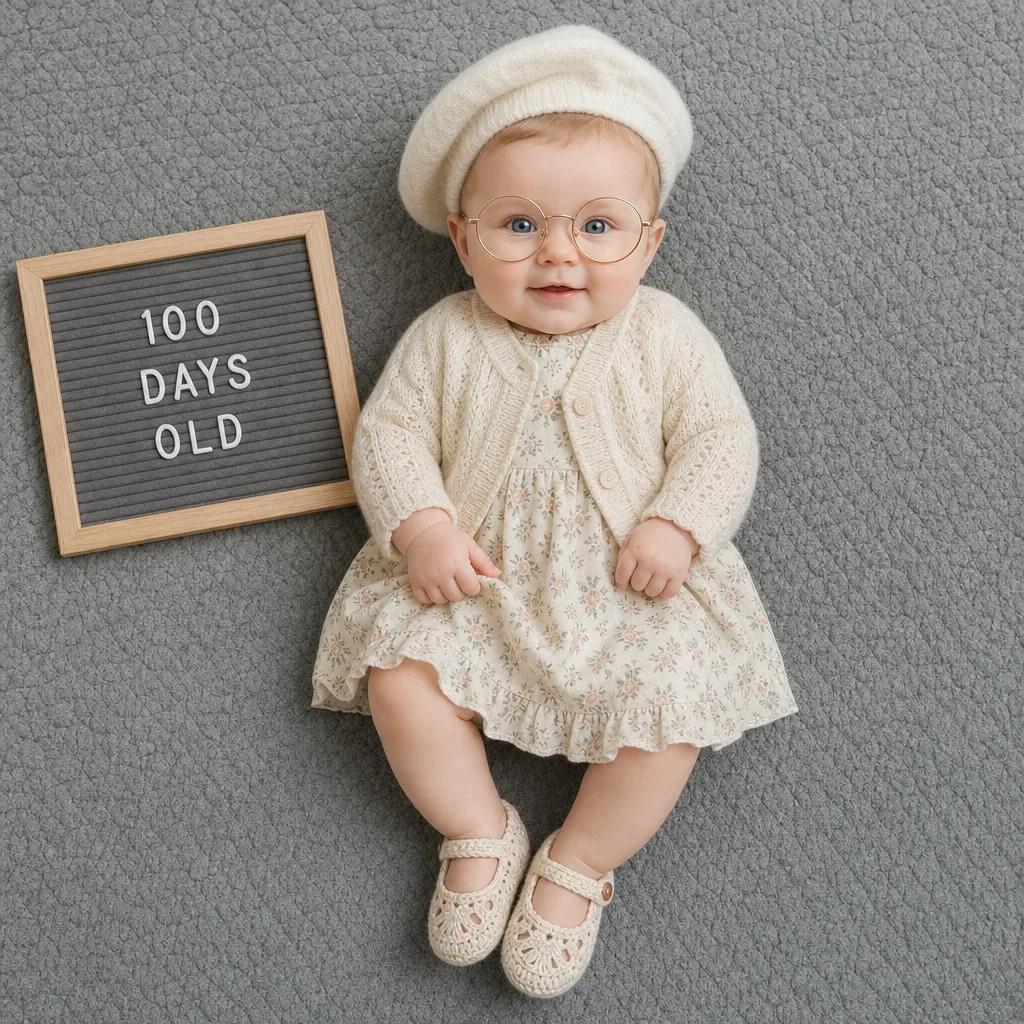
- 100 Days Classic
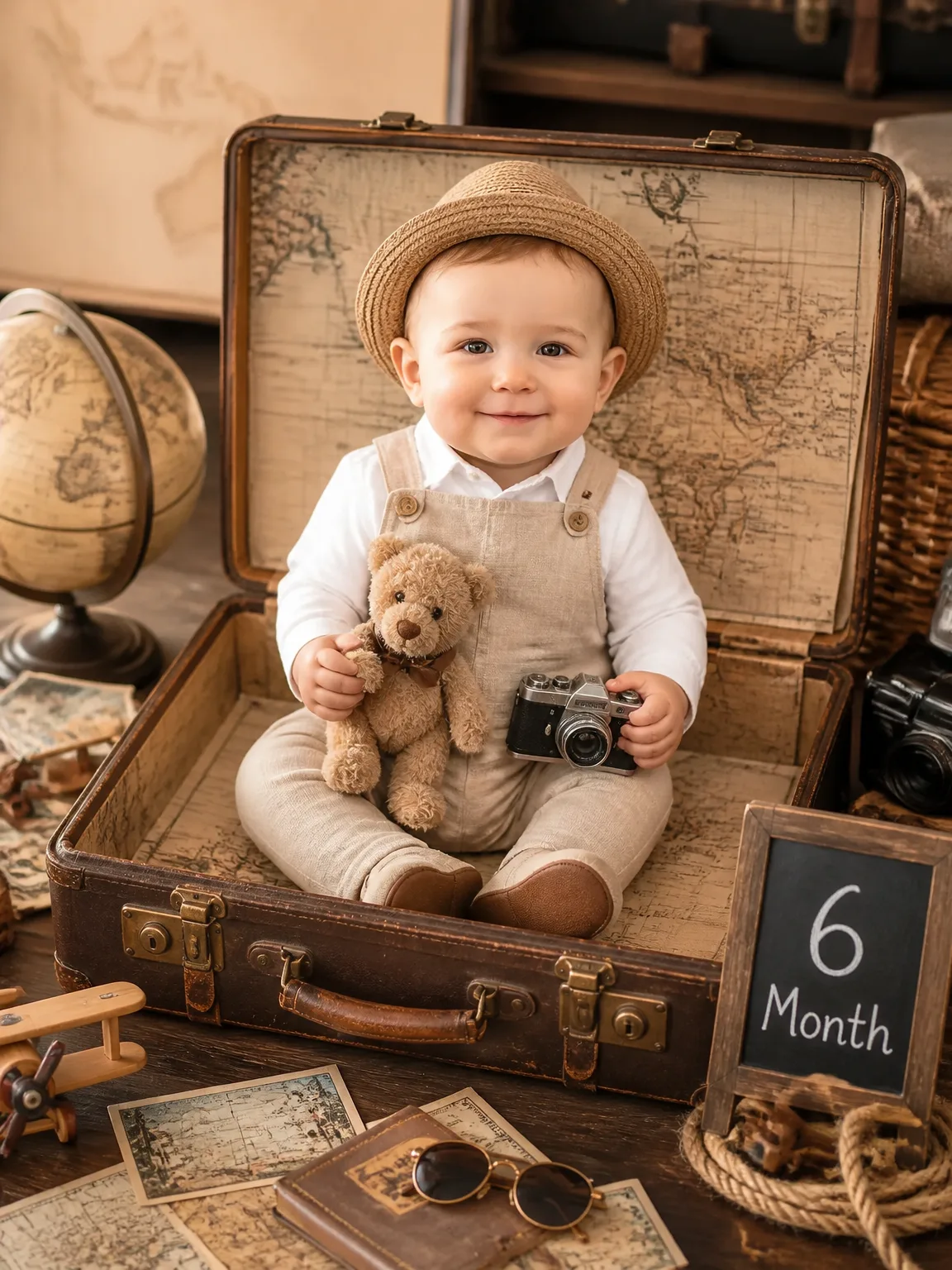
- Six Months — Little Traveler Milestone
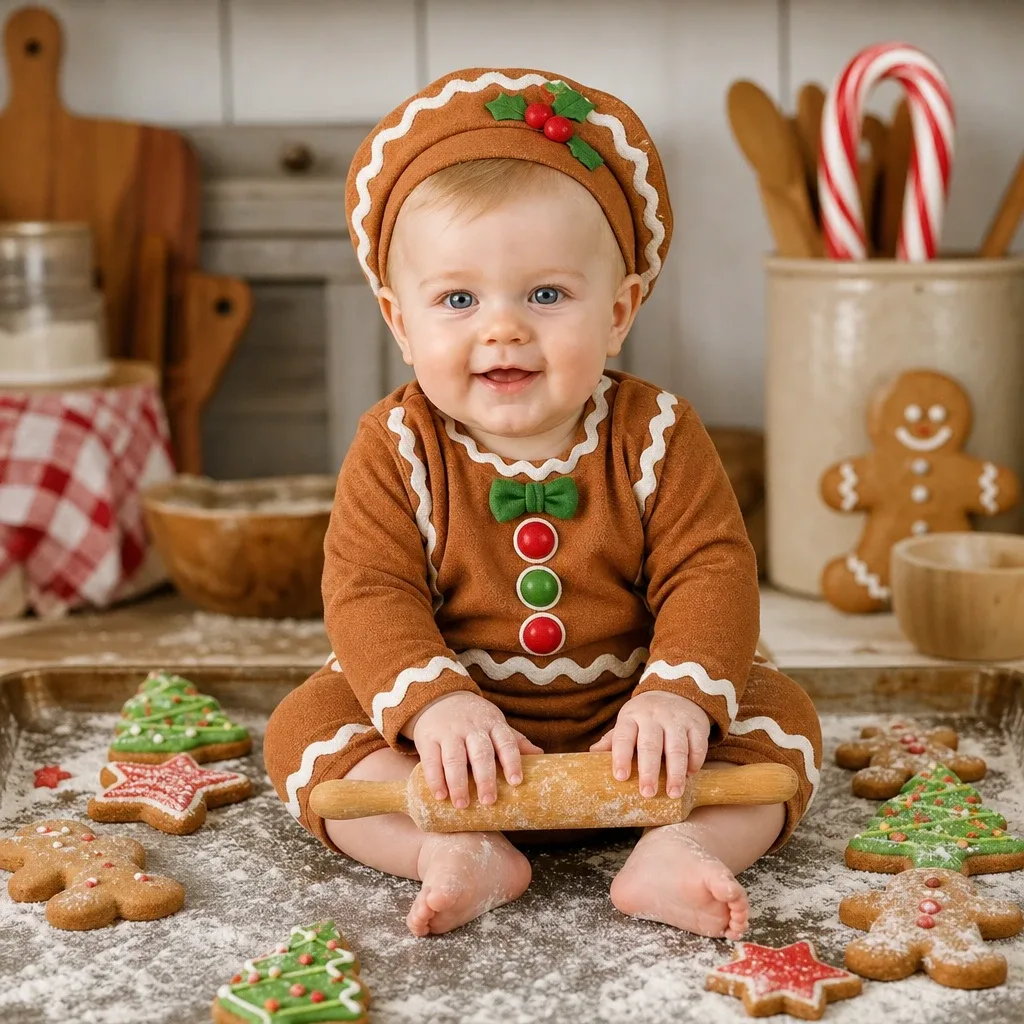
- Gingerbread Delight
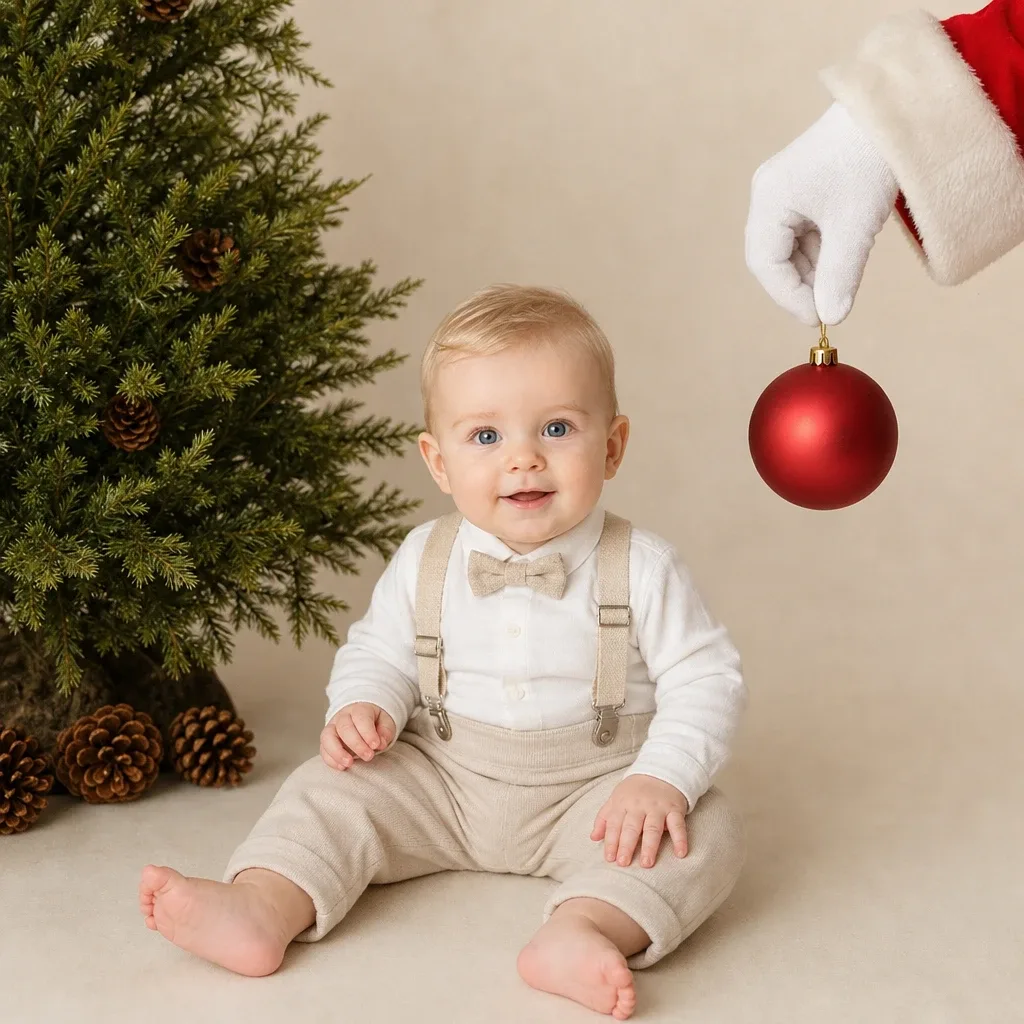
- Santa's Little Helper
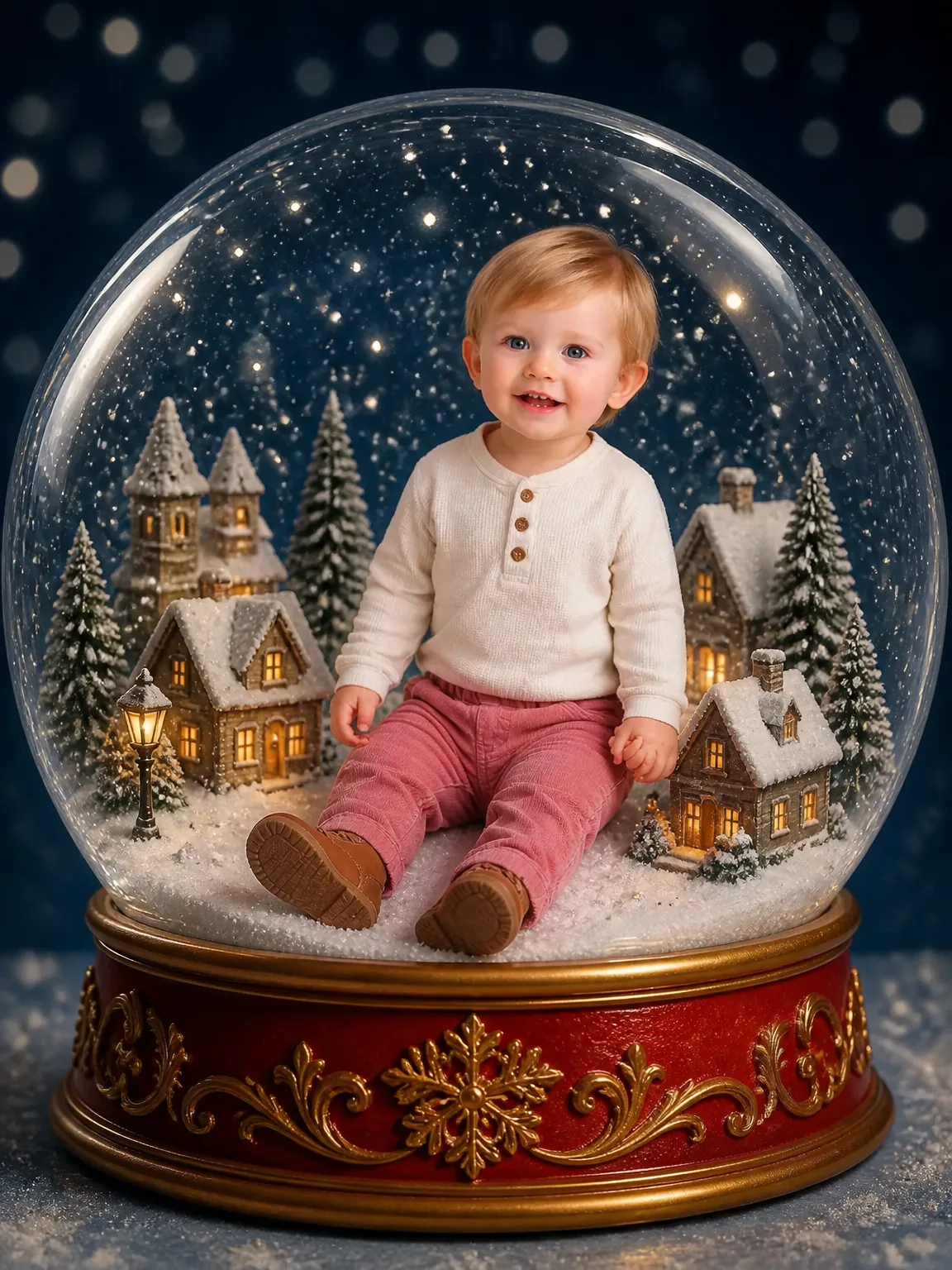
- Christmas — Snow Globe Wonderland
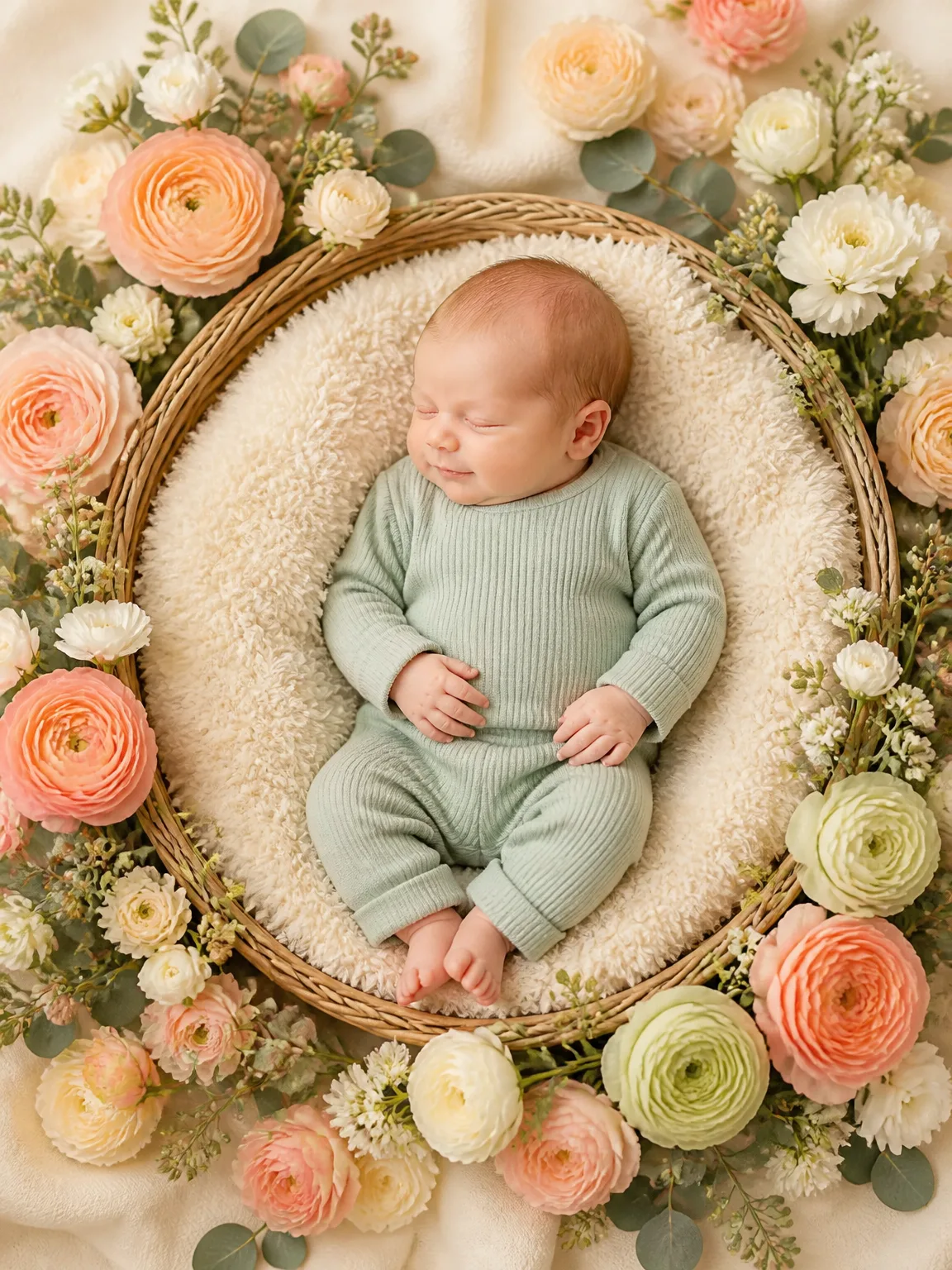
- Floral Basket Newborn
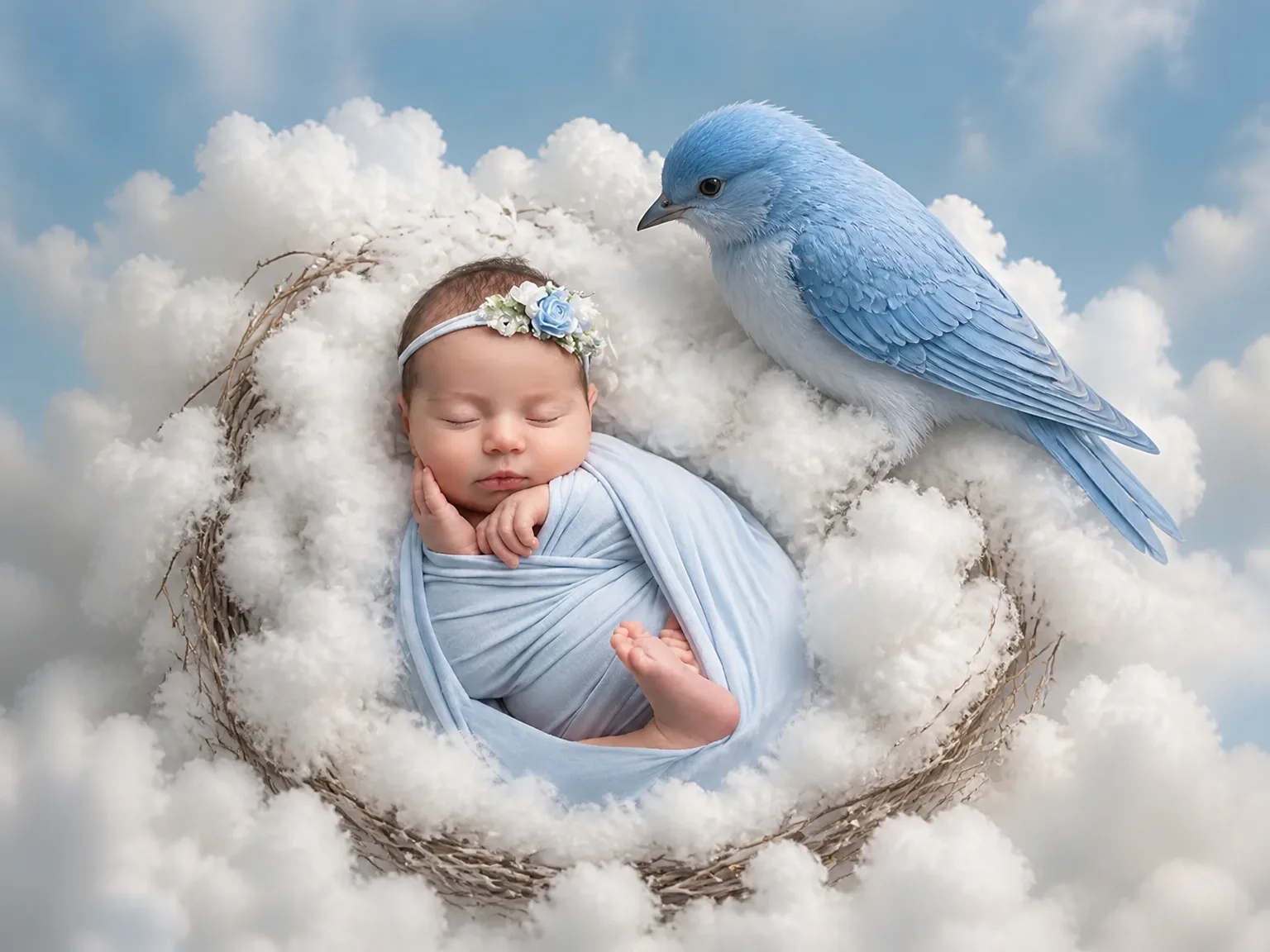
- Cloud Nest Baby
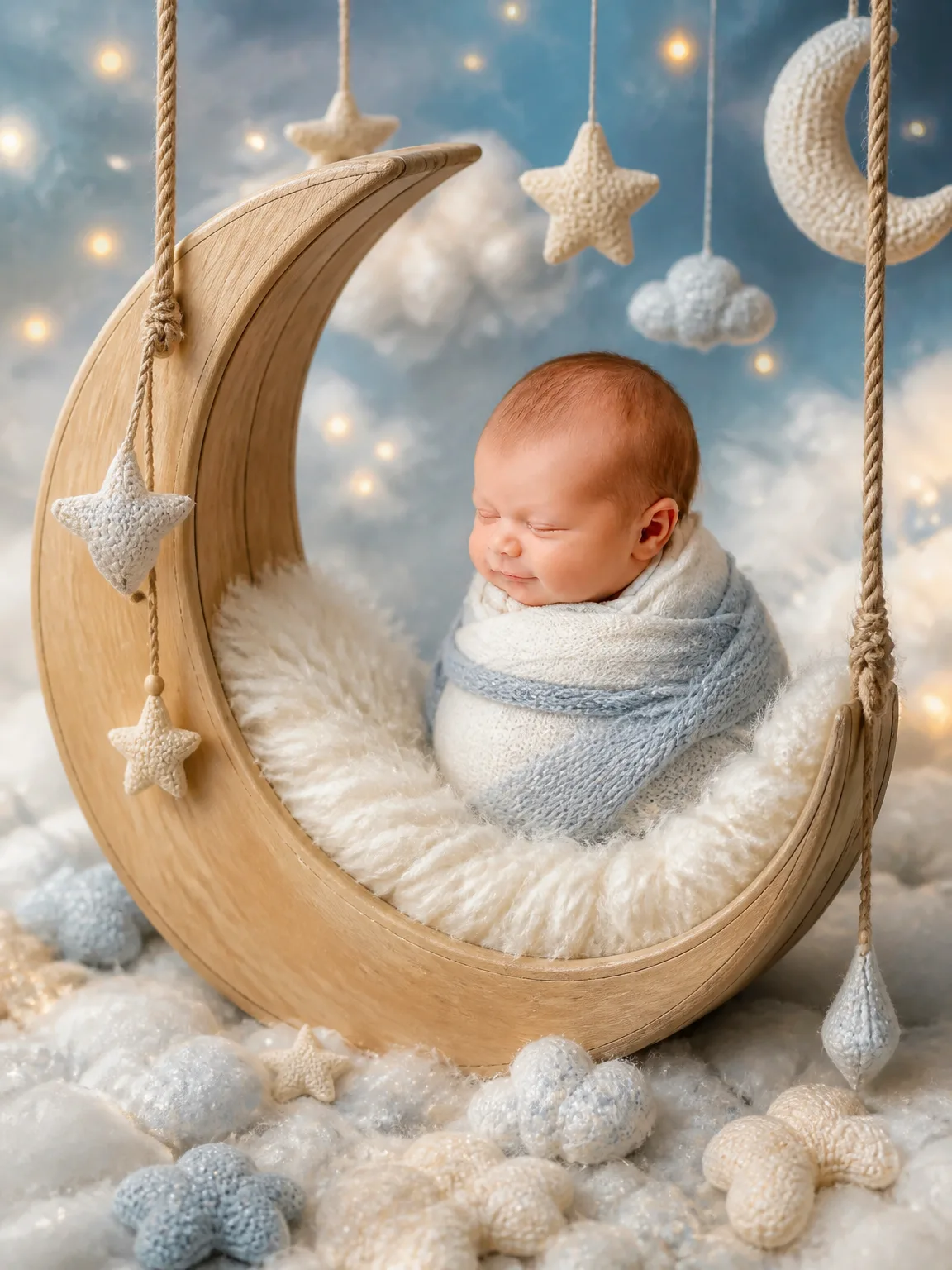
- Little Moon Dreamer
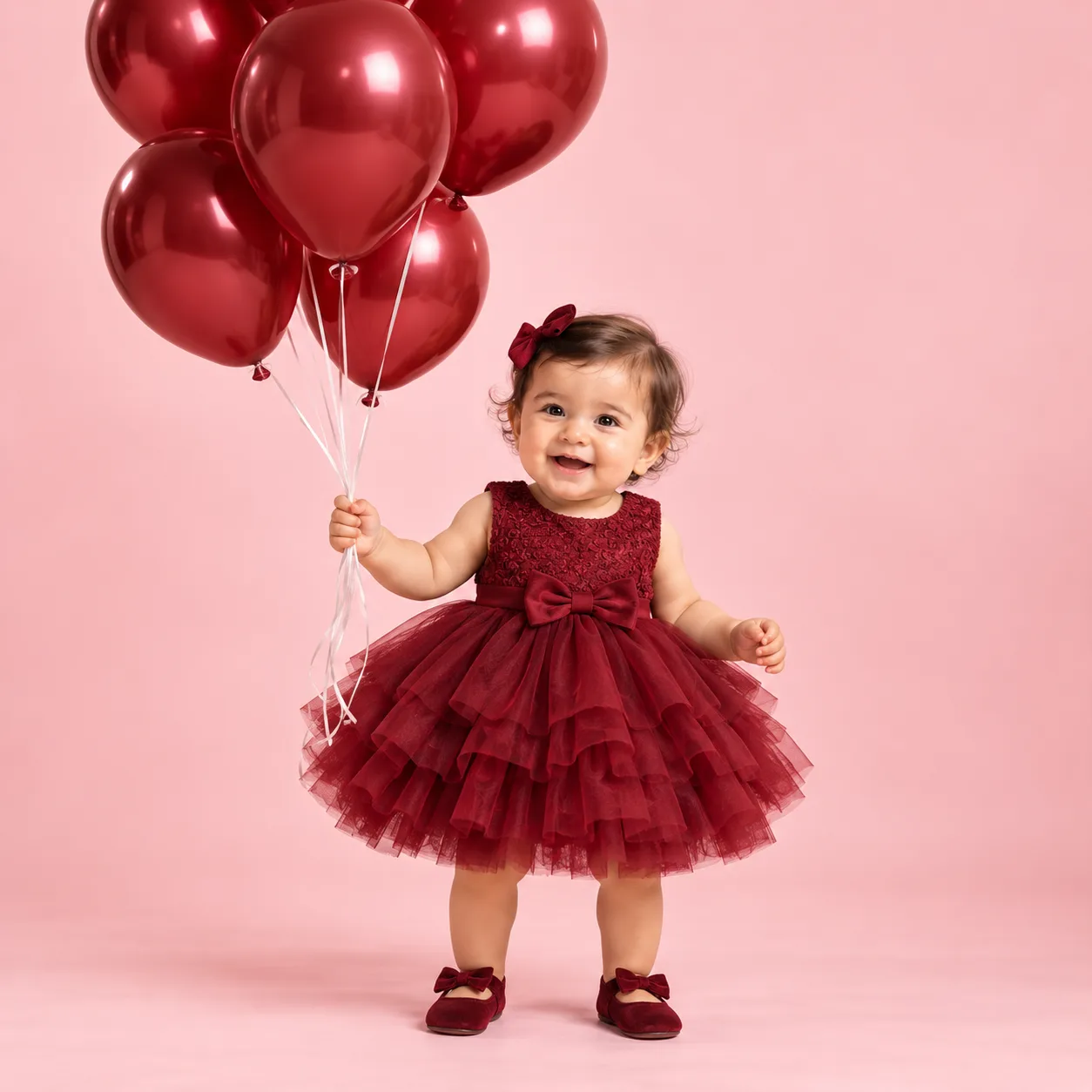
- Burgundy Birthday
- Little Chef

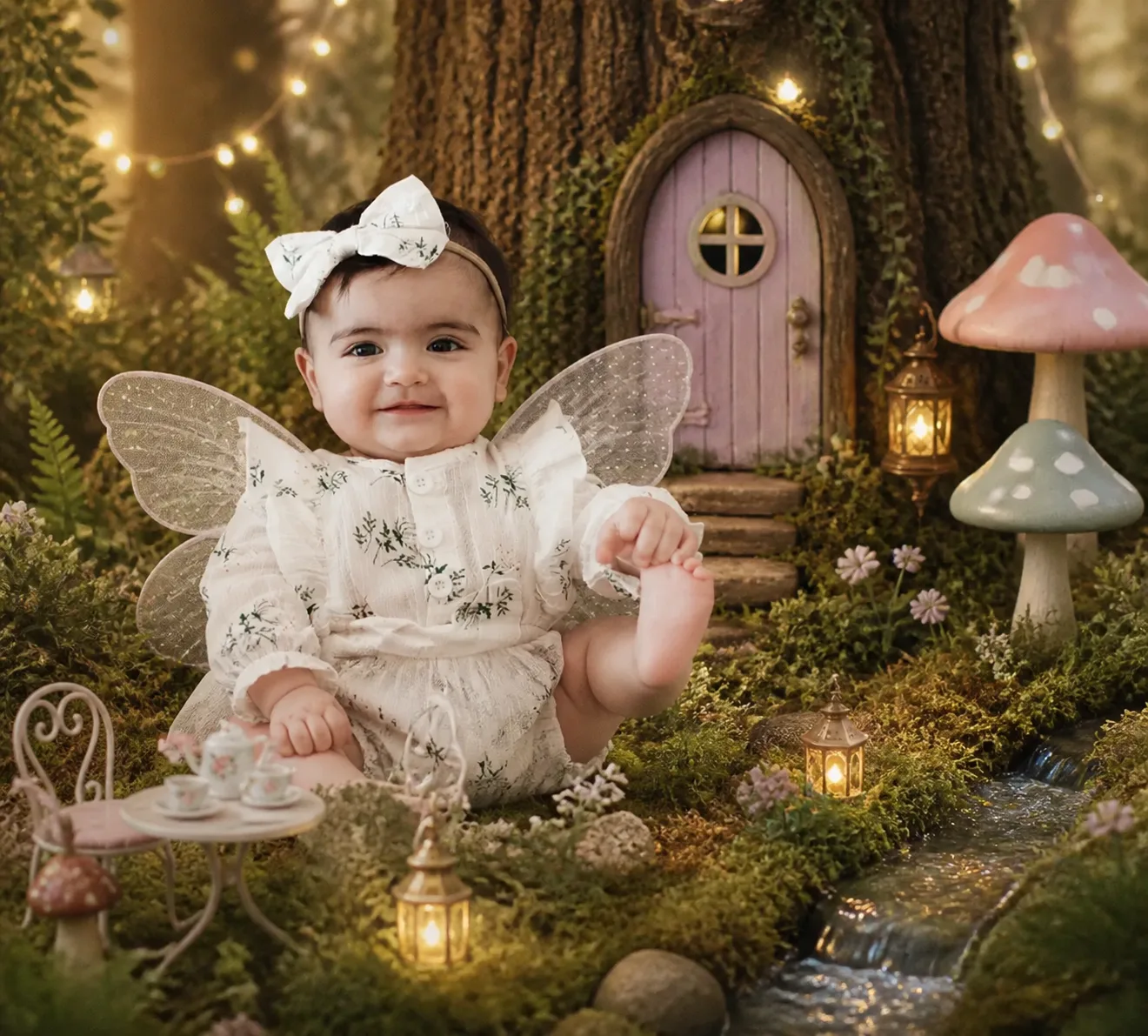
- Fantasy — Fairy Garden
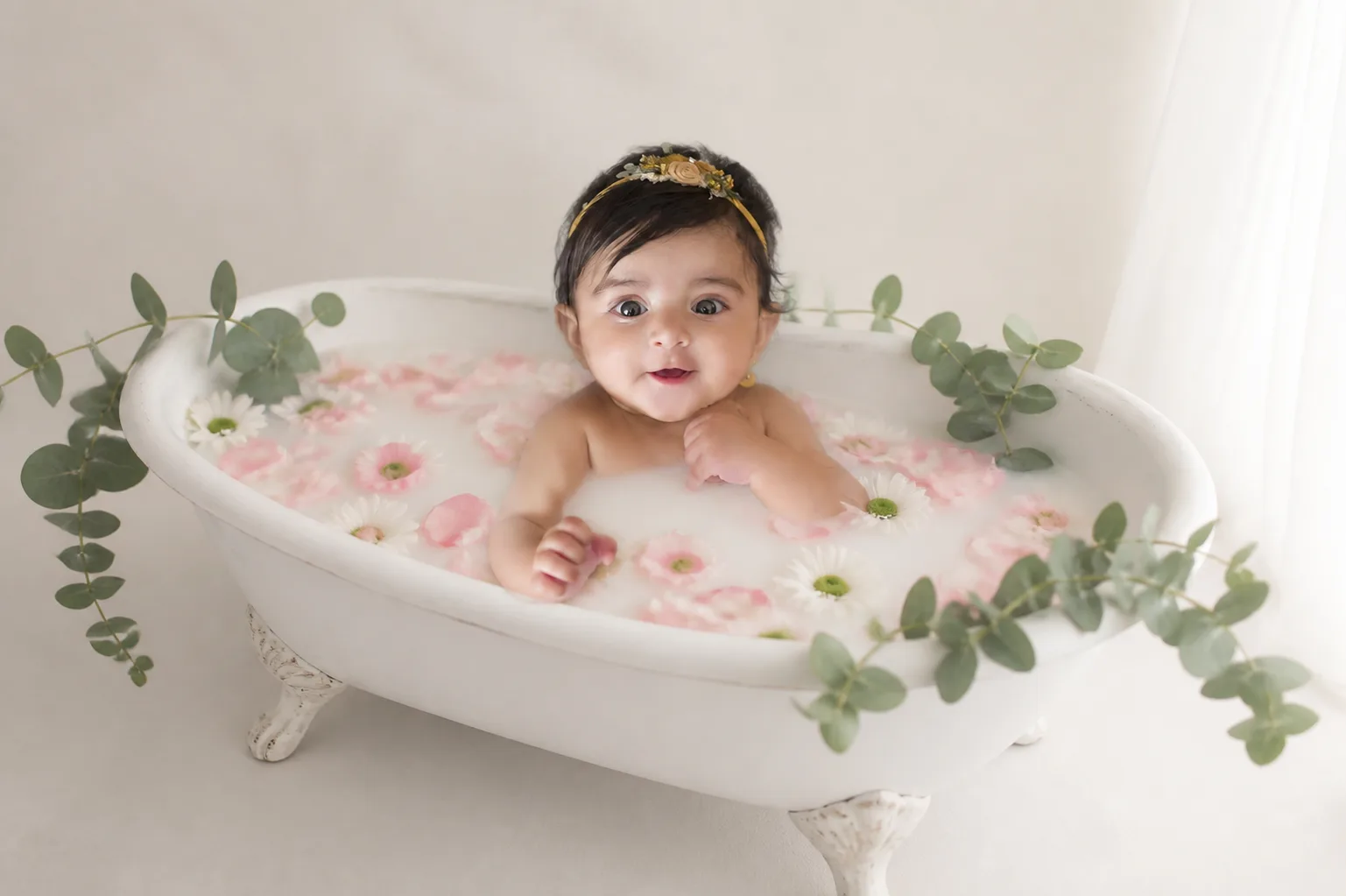
- Milk Bath — Classic Roses
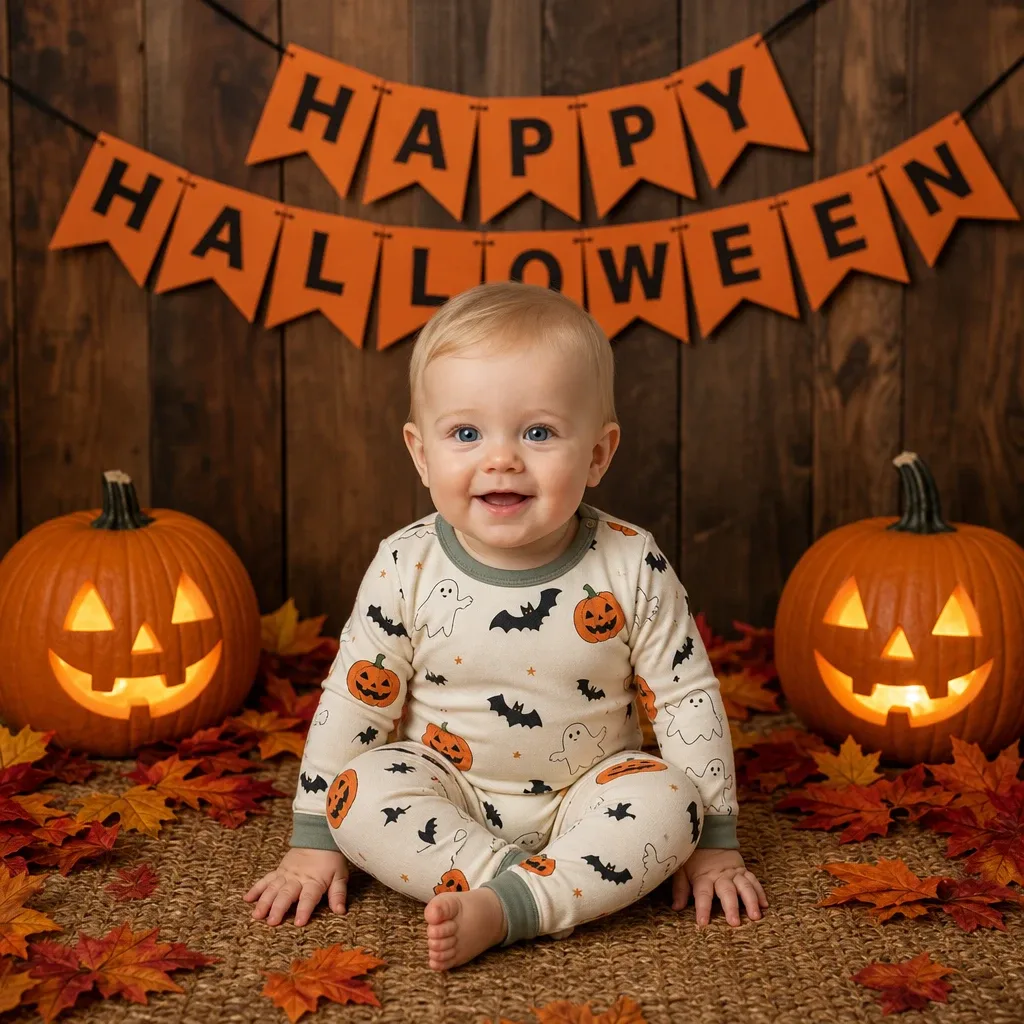
- Halloween Pumpkin Baby
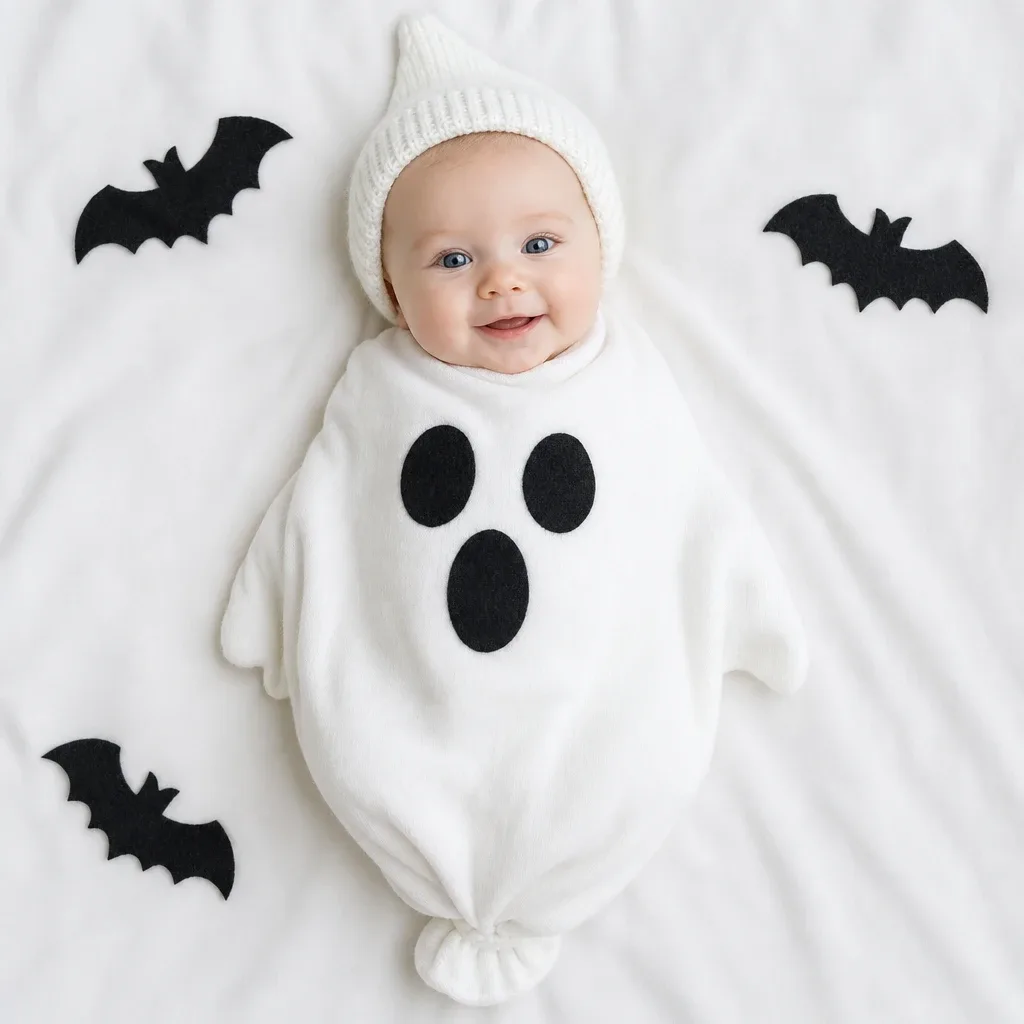
- Little Ghost Dream
- Golden Hour Meadow

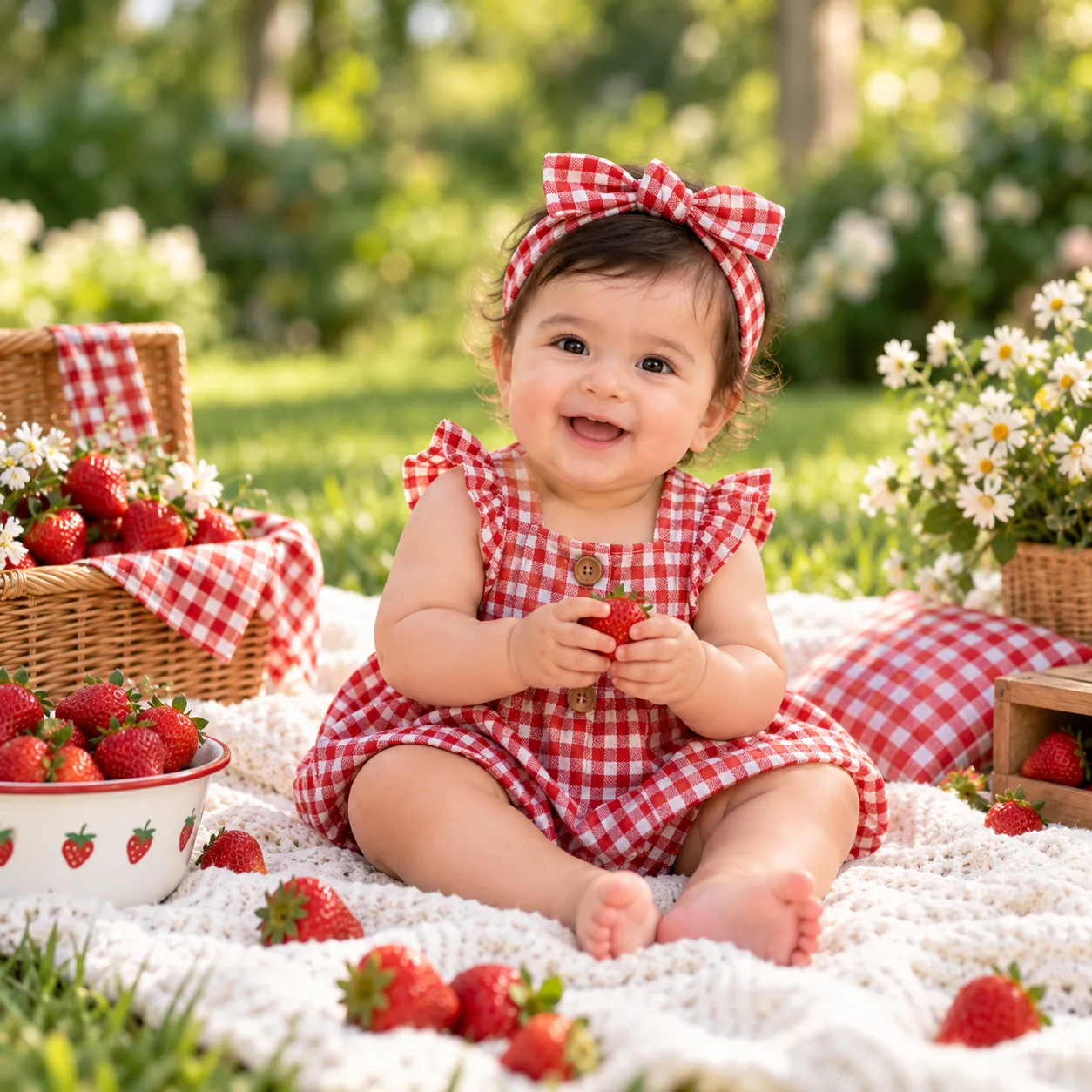
- Strawberry Picnic
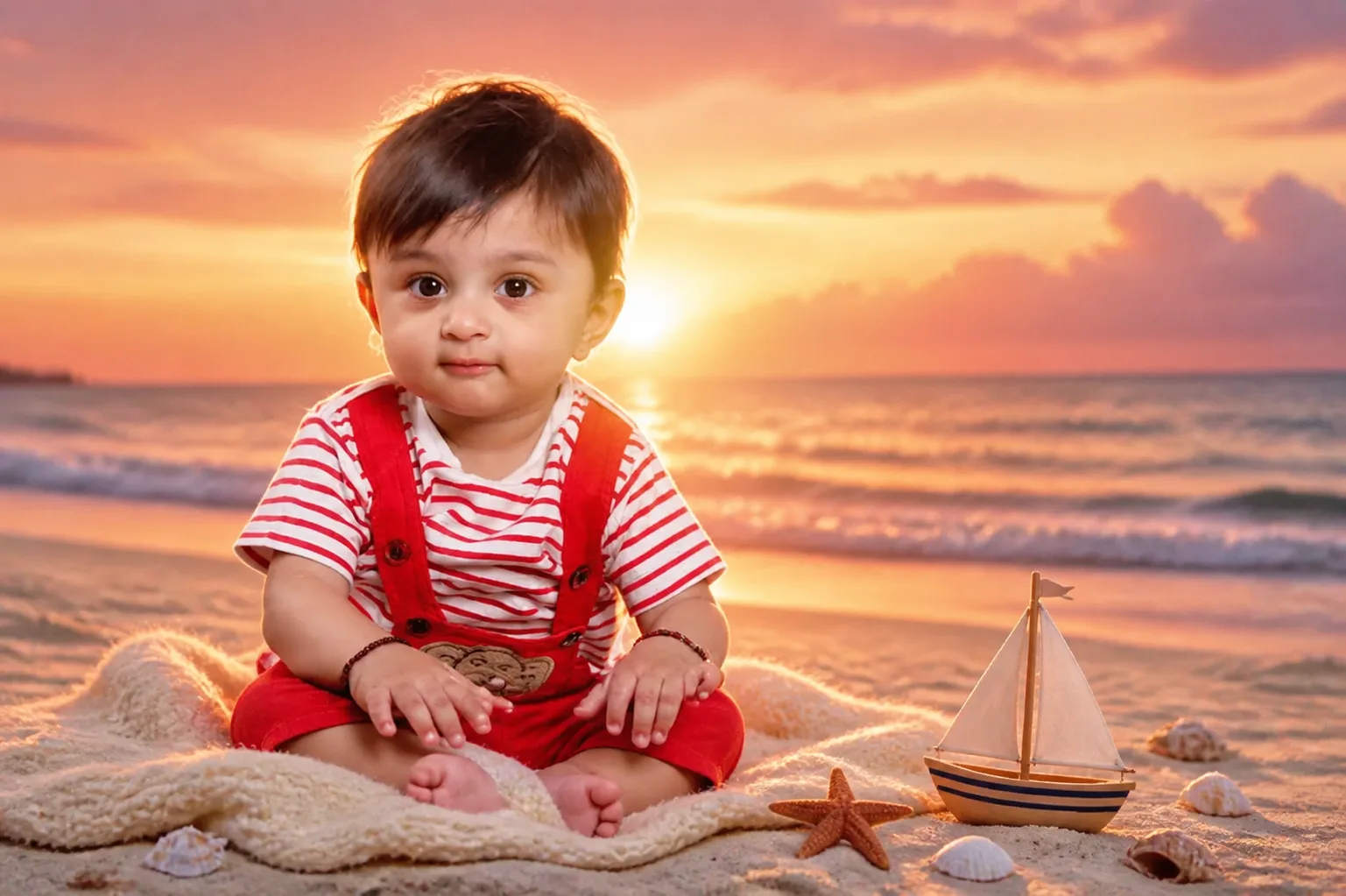
- Outdoor — Beach Sunset
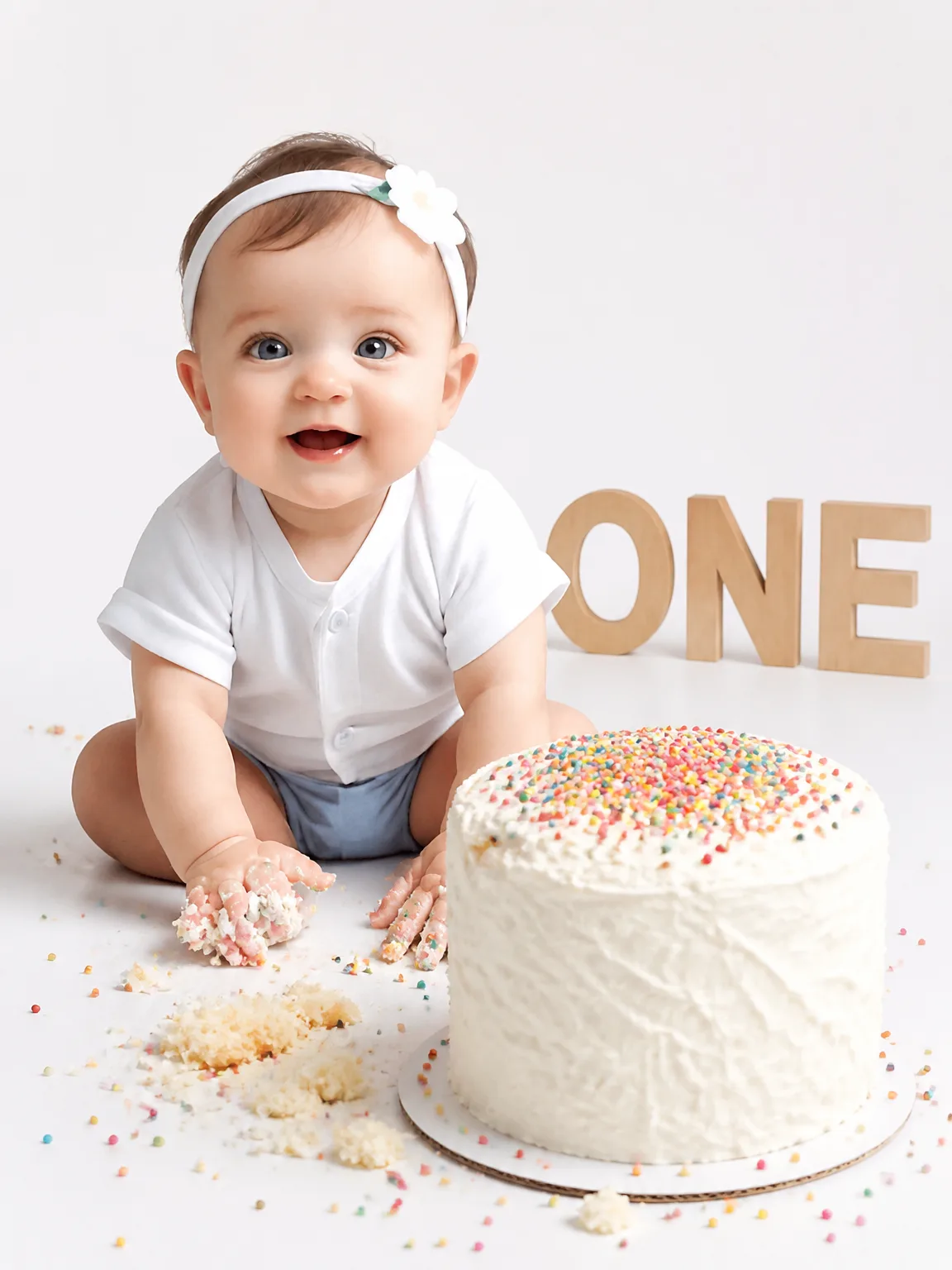
- Cake Smash — Rainbow Sprinkles
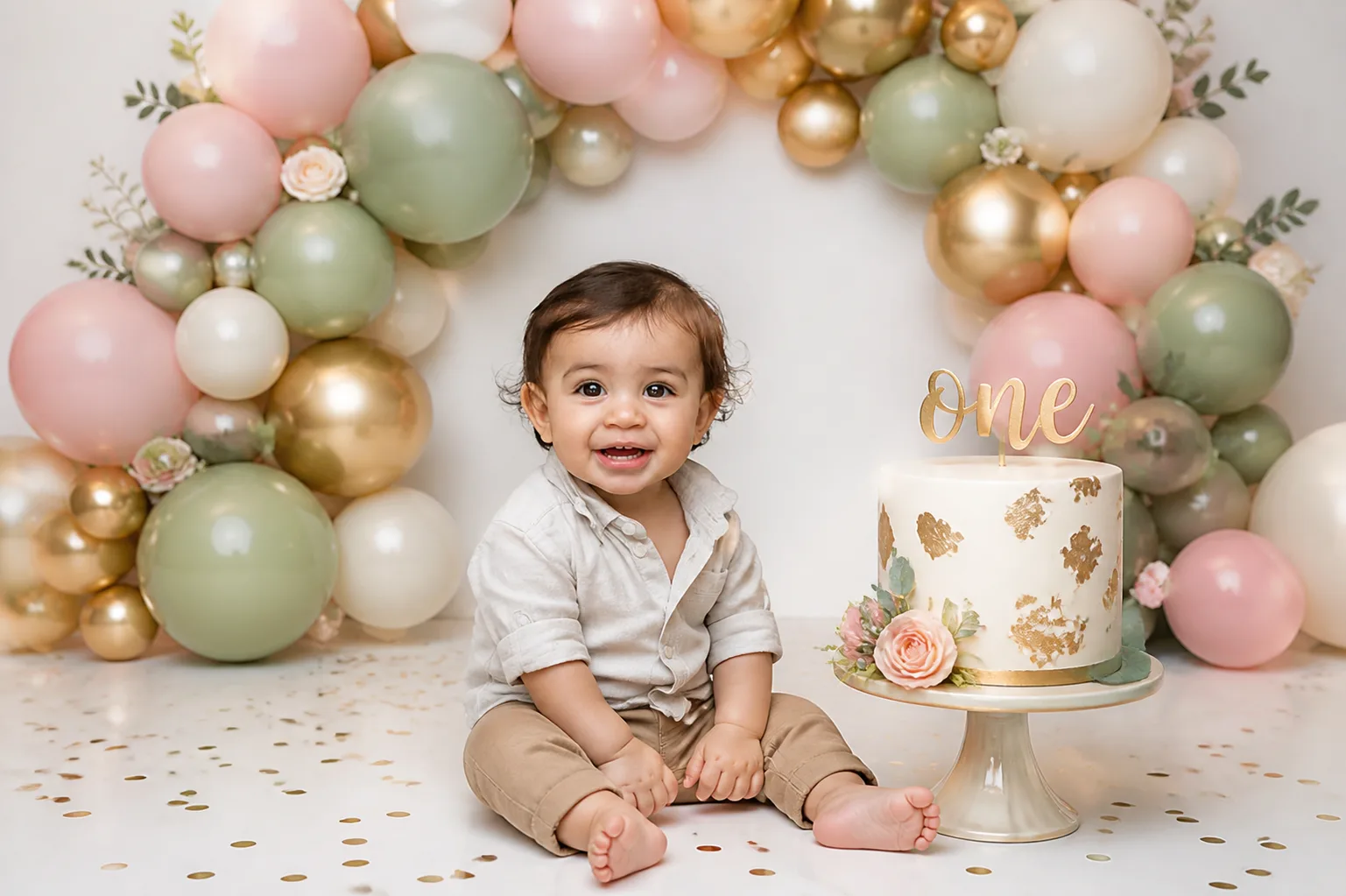
- Cake Smash — Balloon Garland
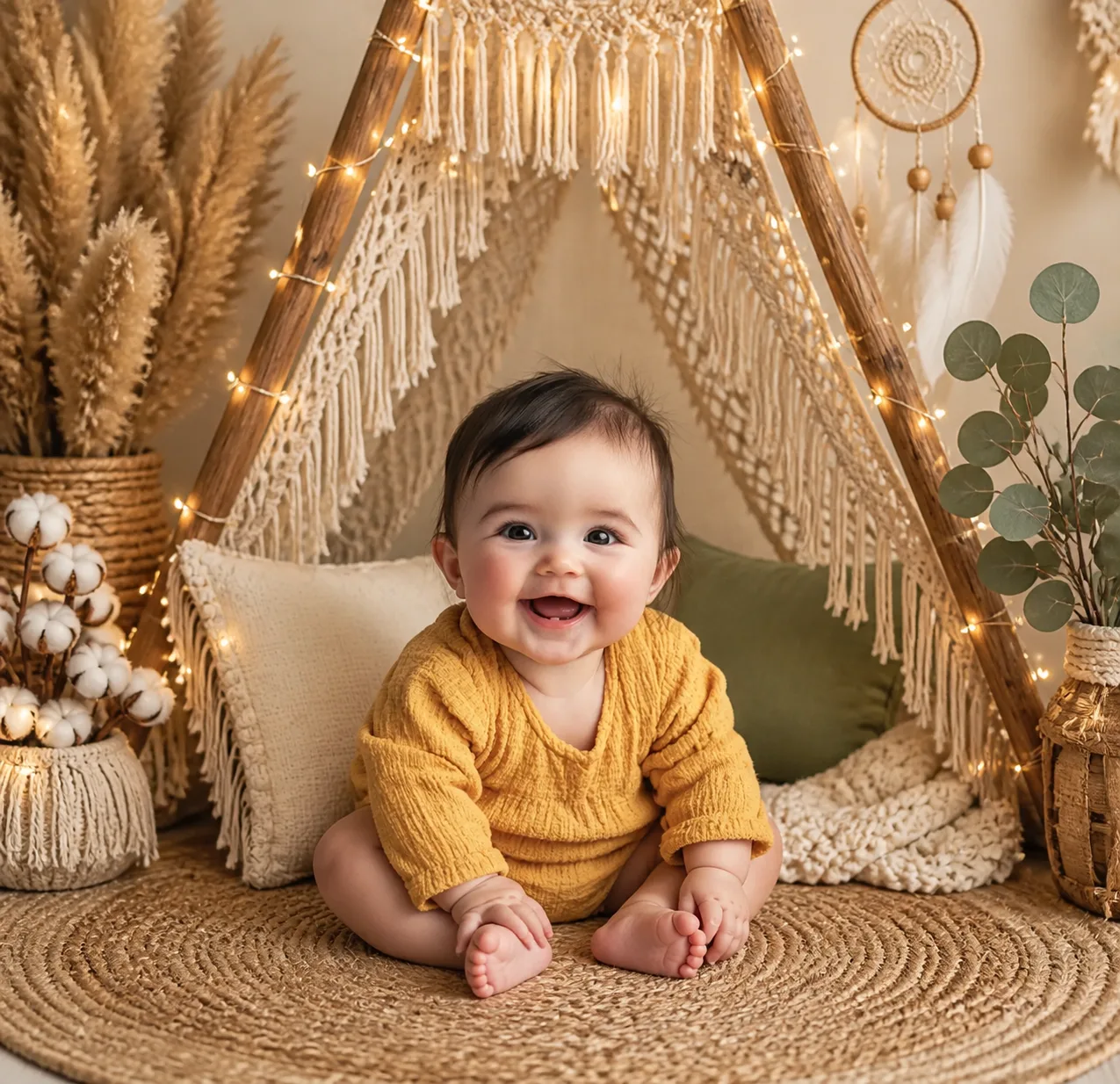
- Boho — Macramé Teepee
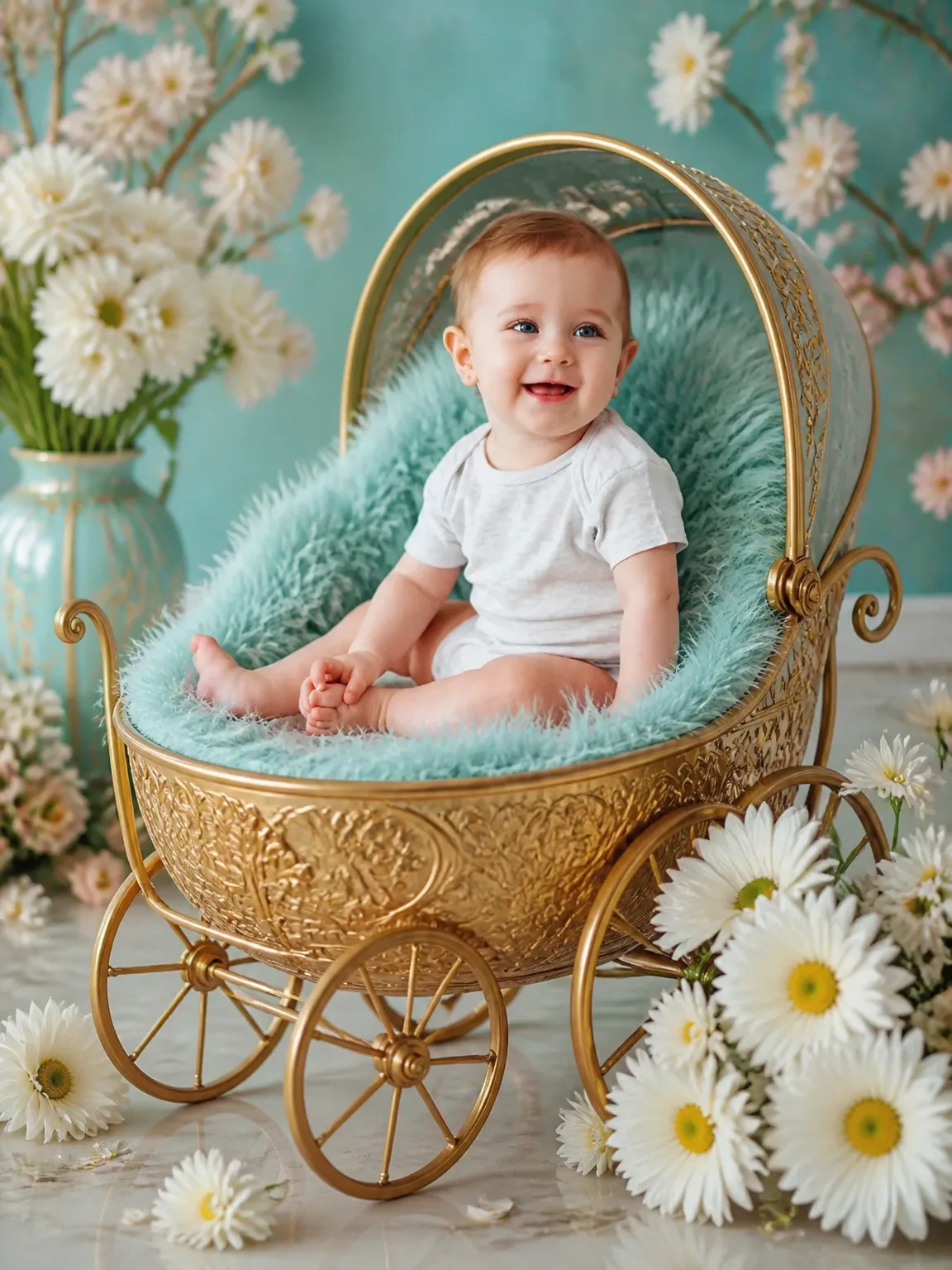
- Dreamy Daisy Carriage
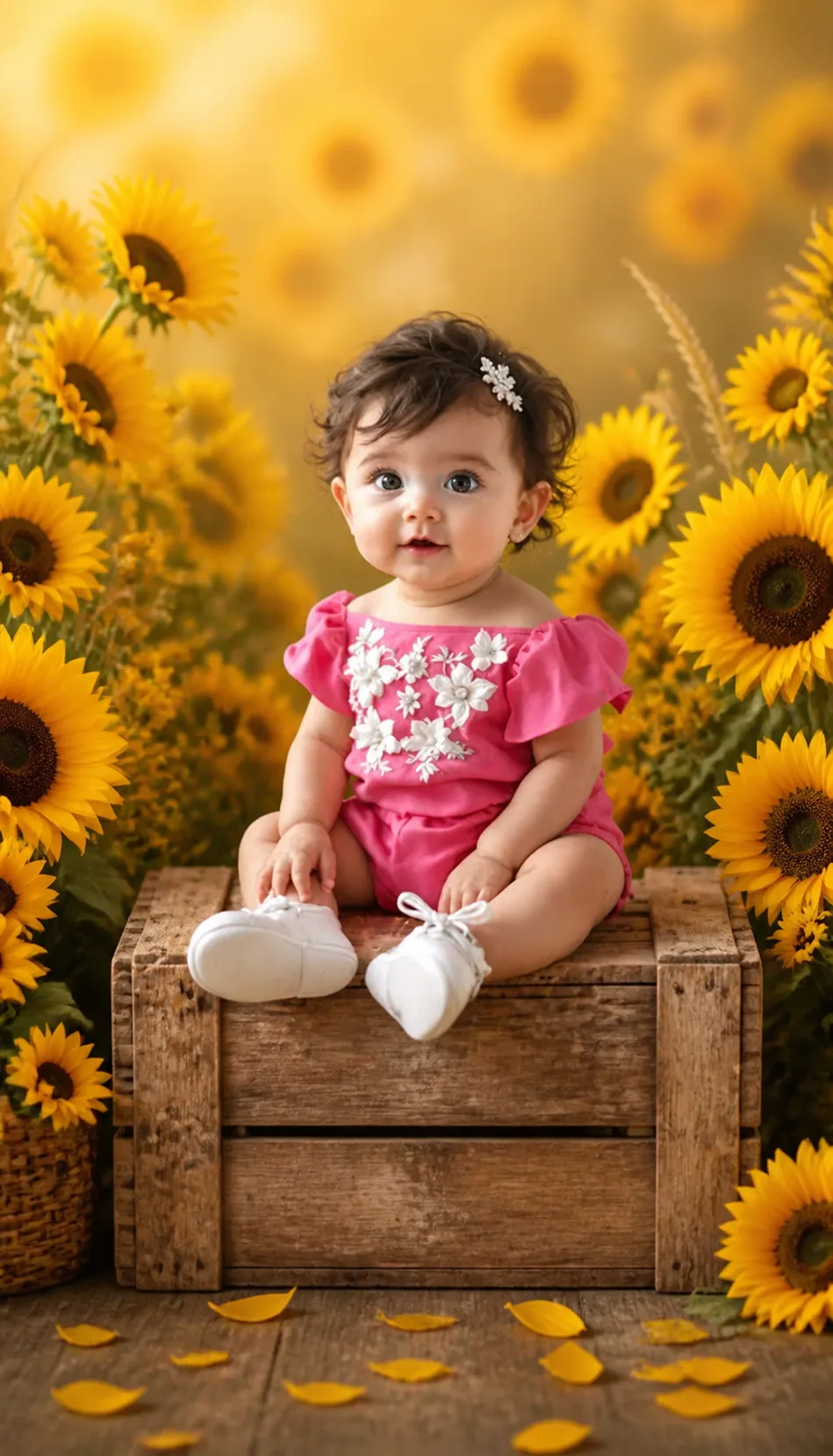
- Floral — Sunflower Meadow
- Classic Portrait
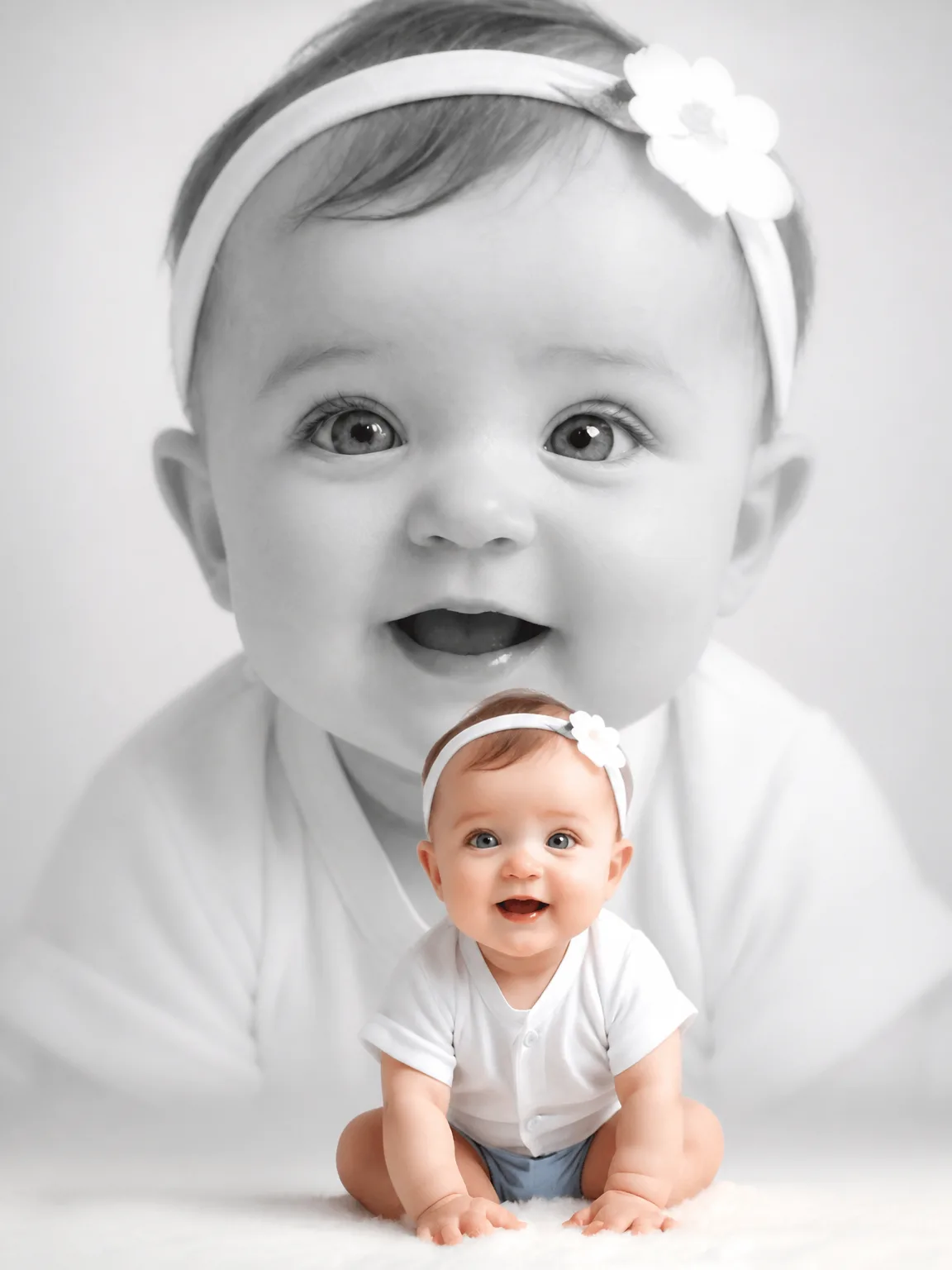
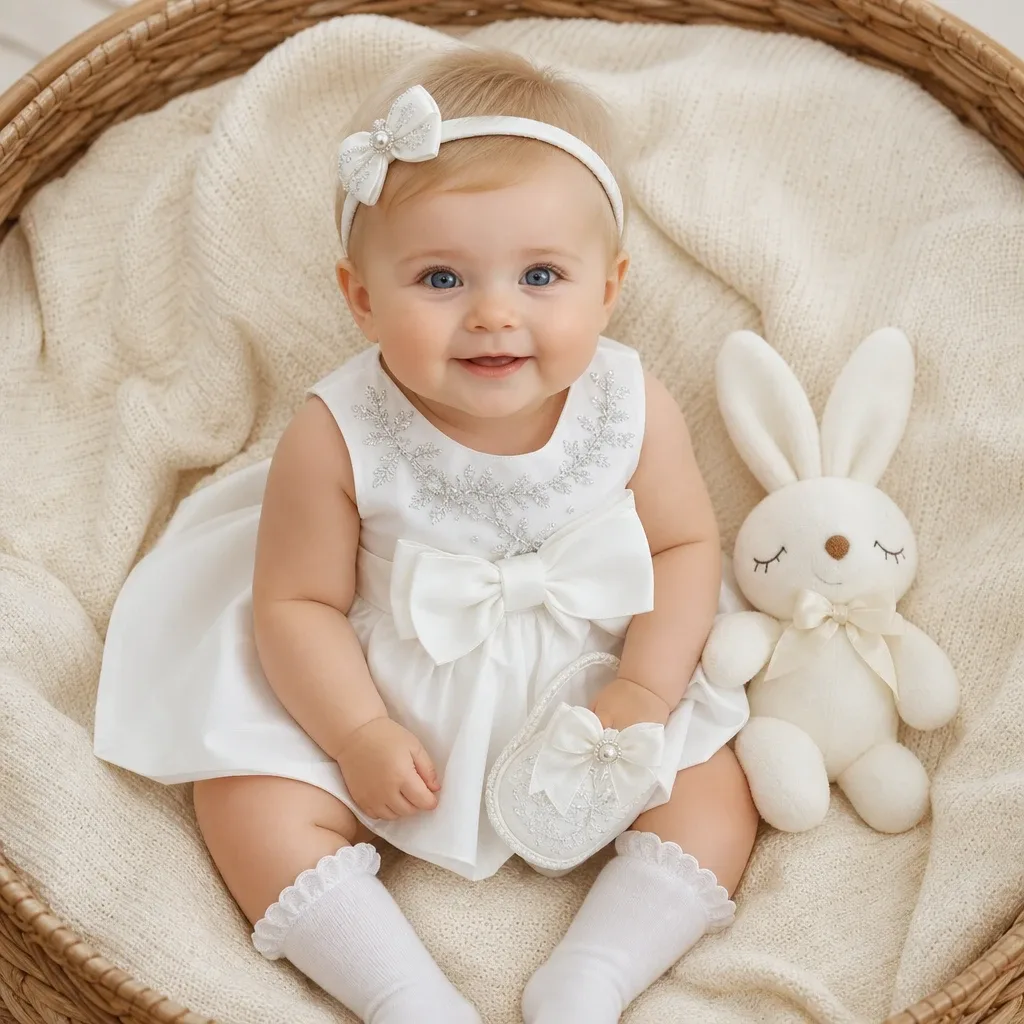
- Elegant White Baby
How it works
Step 1
Upload one photo
Choose a clear photo of your baby’s face from your phone. One is enough.
Step 2
Choose a theme
Birthday, Christmas, a monthly milestone, a fairy tale. Pick the look you want.
Step 3
Download the portrait
Your studio-style portrait is ready in about 30 seconds. Save it and share it.
Studio or sofa
A studio session is lovely when it works out. Here is how the two compare on an ordinary day.
| Compare | At a studio | At home with the app |
|---|---|---|
| Getting there | Book a slot, pack the bag, travel across town | Stay on the sofa |
| The baby’s mood | Has to be good at the booked hour | Use a photo from a happy moment |
| Time | A booked session at a fixed hour | About 30 seconds a portrait |
| Looks | The one set the studio built that day | 300+ themes to choose from |
Questions parents ask
Is the first photo free?
Yes. Your first photo is free and carries a watermark. HD photos without the watermark come with a weekly, monthly or yearly plan, or with a one-time photo pack. You can see the plans in the app.
What photo works best?
One clear photo of your baby’s face. Daylight from a window helps, with the face uncovered, in focus and looking roughly towards the camera. Avoid heavy filters and photos where a hand, toy or blanket hides part of the face.
Is my baby’s photo private?
The photo you upload is used to make your portraits. How photos are stored and handled is set out in our privacy policy, which you can read before you upload anything.
Are the images real photos?
No. They are AI-generated from the photo you upload. The app uses your baby’s face to create a studio-style portrait in the theme you choose; nobody photographs the scene with a camera.
Does it work on Android and iPhone?
Yes. AI Baby Photoshoot is on Google Play for Android phones and on the App Store for iPhone.
Can I print them?
Yes. Save the HD version without the watermark to your phone, then print it the way you print any other photo, at home or at a photo shop.
Looking for ideas rather than answers? Read our photoshoot guides.
One photo is all it takes.
The first photoshoot is free.
Scan with your phone to open the app in your store.